
Aperturize (Rootful + Rootless)
foxfortmobile
February 1, 2022
April 23, 2023
245.08 KB
2.4.0
iOS (Rootful + Rootless)
https://havoc.app
وصف
Aperturize
Adjustable bokeh for portrait mode
Information
| Mode | Rootful + Rootless |
| Architectures | arm + arm64 |
| Section | Tweaks |
| Author | foxfortmobile <foxfortmobile@gmail.com> |
Available versions for Aperturize tweak
- Aperturize V 2.4.0: Released on 2023-04-23.
- SHA256: 7cd0e4e6575ea3635bf003999affd49e0537176b40cf68160b6f3ce0f66d881c
- MD5: dcc9dc0e4ba8aaba132a10e91a5b7481
- Architecture: iOS arm64 (Rootless).
- Aperturize V 2.4.0: Released on 2023-04-23.
- SHA256: fd59205257d57045845859027785be6b6465626375ca92501f5d1c0d2f494d28
- MD5: 7b1b7a4130afc37273428ba791272f31
- Architecture: iOS arm (Rootful).
- Aperturize V 2.3.0: Released on 2022-12-09.
- SHA256: 72cf599e53af1d6011ae62d02effedcf52231c10239e08abc8e65ec117e92ecf
- MD5: ff70c79531fe90583315698f80551b87
- Architecture: iOS arm (Rootful).
- Aperturize V 2.2.6: Released on 2022-02-01.
- SHA256: 633b580b40045ac9d7e51019dcc4ebe825ae336f60d6f1ec3ff121b3057d1301
- MD5: 3ce526ced0adcccb17a324baae836804
- Architecture: iOS arm (Rootful).
Aperturize: Adjustable Depth of Field for Portrait Mode
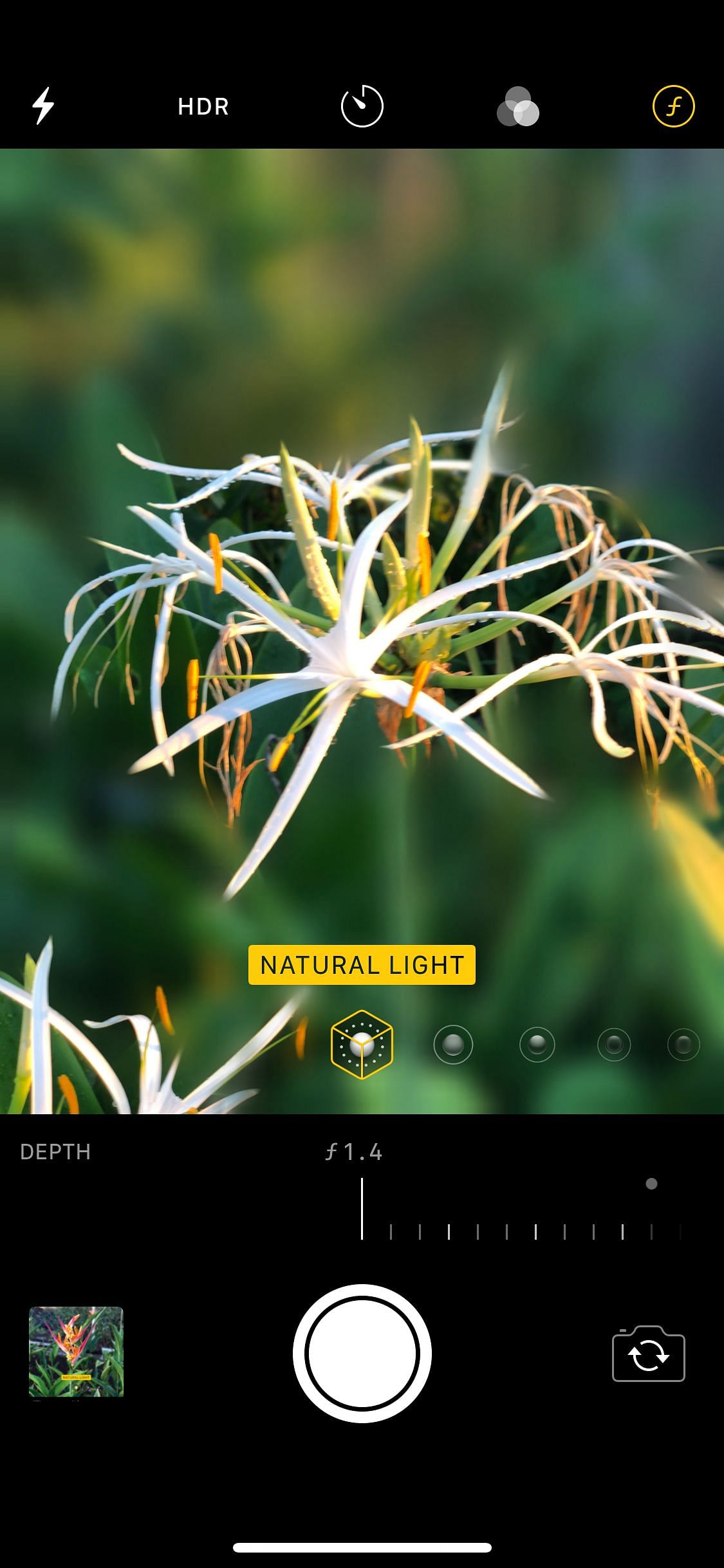
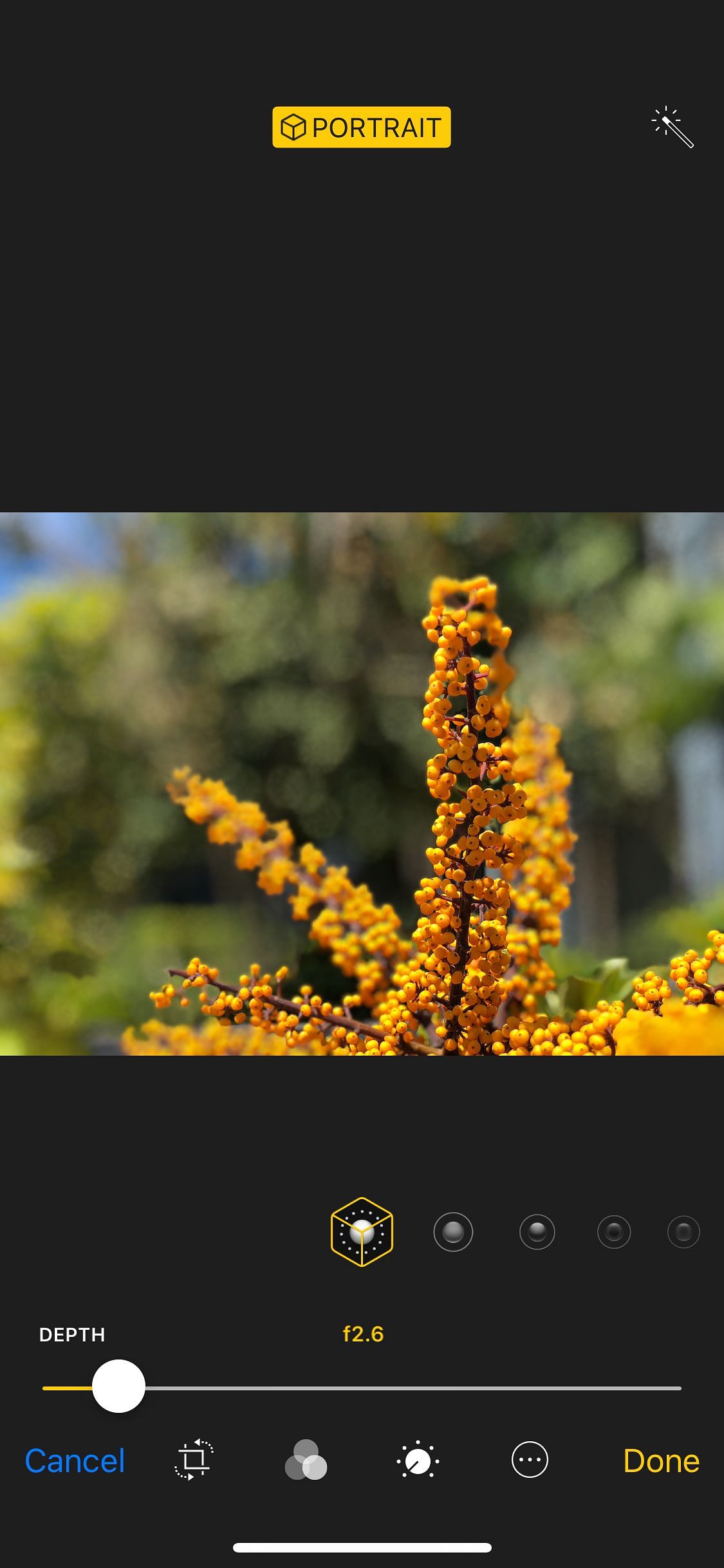
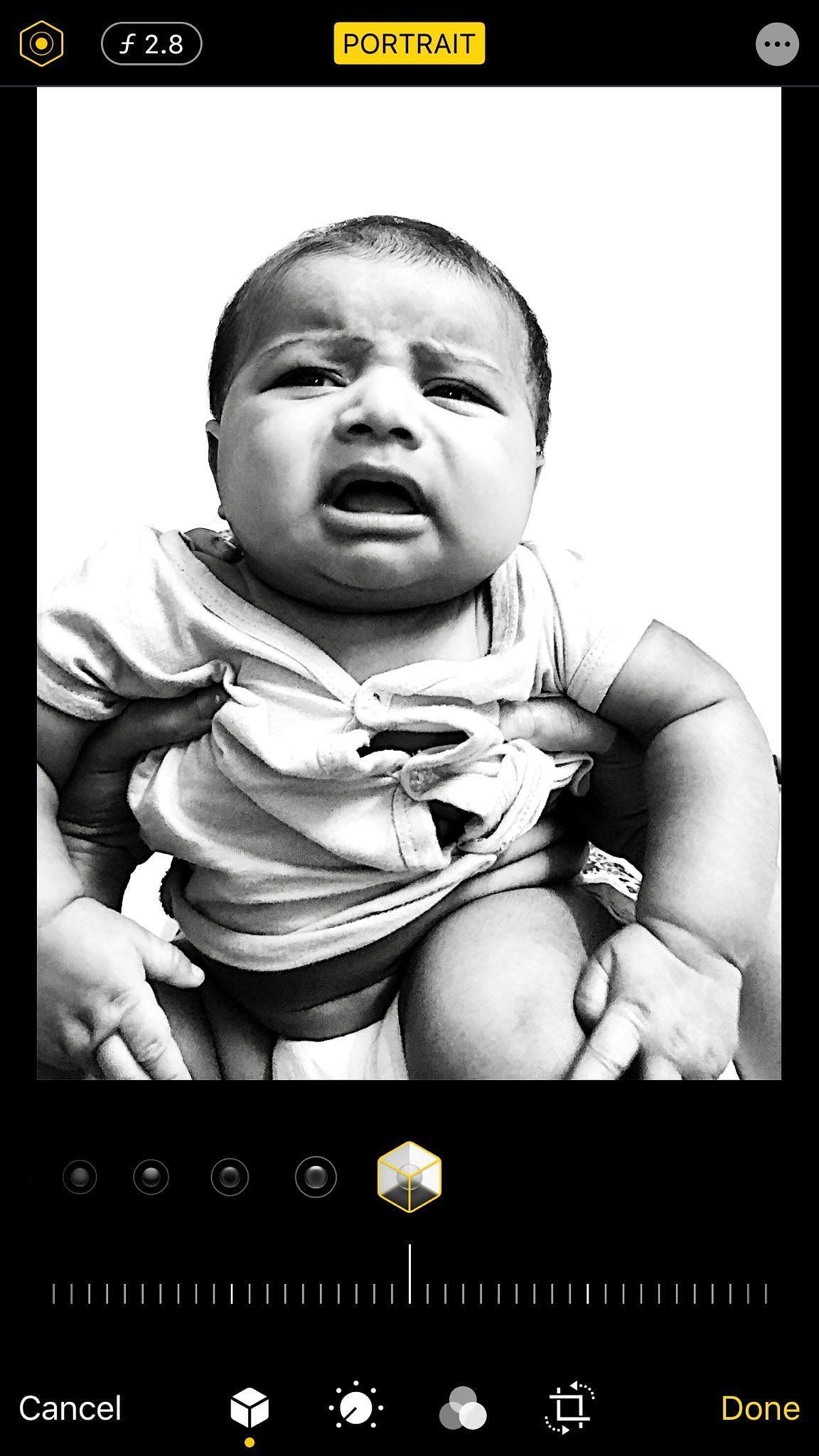
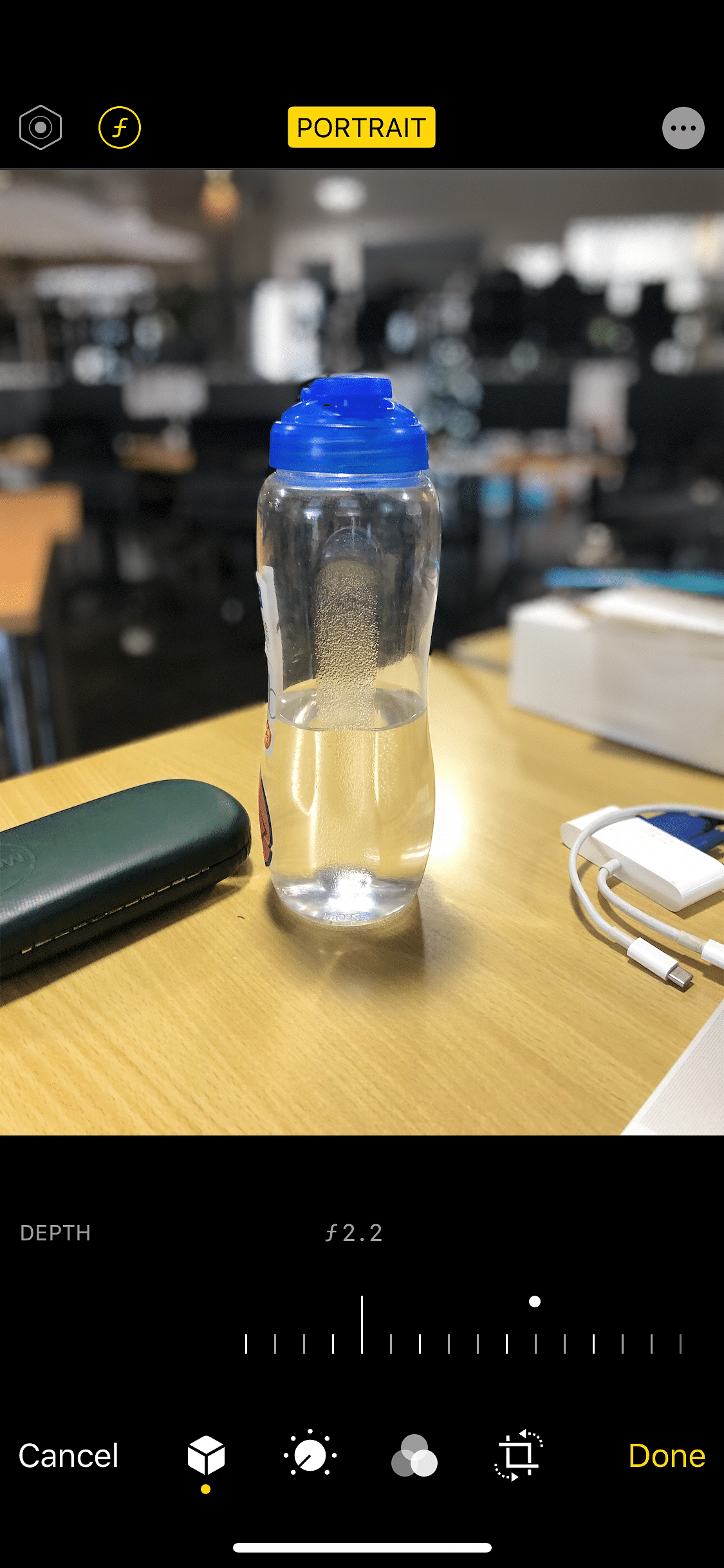
Aperturize brings adjustable depth of field to portrait mode photos on dual-camera devices, letting you control the blur level with a slider in the Photos app. It adds real-time adjustable blur while composing the shot and lets you re-edit the blur after capture, so you can fine-tune and revert the depth effect as needed.
Aperturize: ضبط عمق المجال في وضع البورتريه
يقدم Aperturize تحكماً دقيقاً في عمق المجال أثناء التصوير في وضع البورتريه، حيث يمكنك ضبط مستوى التمويه بسهولة عبر شريط في تطبيق الصور. كما يتيح تحكماً في التمويه في الوقت الحقيقي أثناء التقاط الصورة على الهواتف ذات الكاميرتين، ويمكنك إعادة ضبط التمويه لاحقاً على الصور المحفوظة، إضافة إلى إمكانية ضبطه قبل الالتقاط لتحقيق مخرجات أكثر عمقاً ومرونة. يدعم جلبريك روتلس وروتفل
الصور
روابط التحميل
كيف يتم تثبيت Aperturize (Rootful + Rootless)؟
1. قم بتنزيل ملف ZIP.
2. افتح التطبيق وانقر على "تثبيت".
3. اتبع الخطوات التي تظهر على الشاشة.