
Dark GMaps (Rootful)
foxfortmobile
February 1, 2022
February 1, 2022
220.50 KB
3.0.1
iOS 13.0+ (Rootful)
https://havoc.app
وصف
Dark GMaps
Dark mode for Google Maps
Information
| Mode | Rootful |
| Architectures | arm |
| Section | Tweaks |
| Author | foxfortmobile <foxfortmobile@gmail.com> |
Available versions for Dark GMaps tweak
- Dark GMaps V 3.0.1: Released on 2022-02-01.
- SHA256: 7eb1bddd336f1e5cf67895125fbda4b44943174b941e62d8dd2593eb6539bd7a
- MD5: 0b51c3074b5919e6128e534217e95154
- Architecture: iOS arm (Rootful).
Dark GMaps
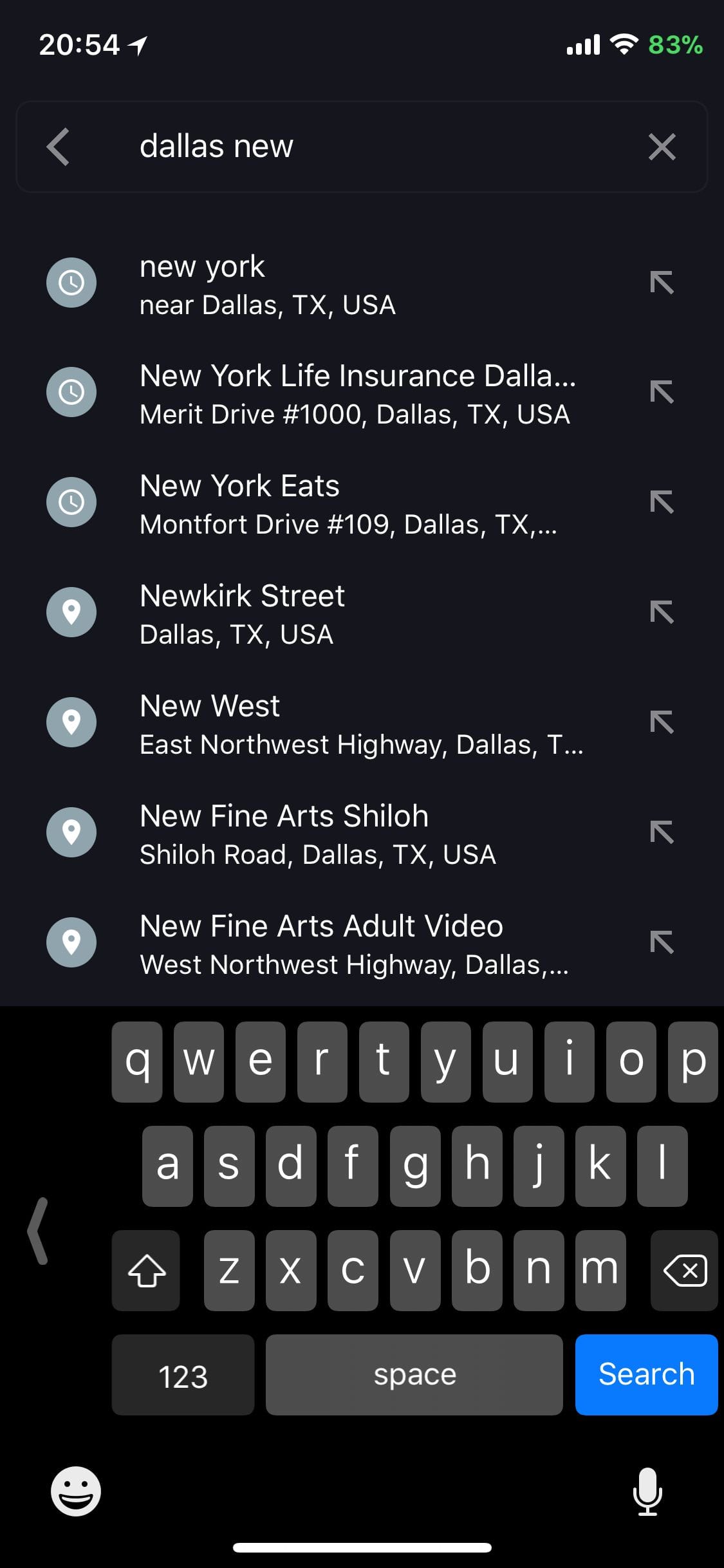
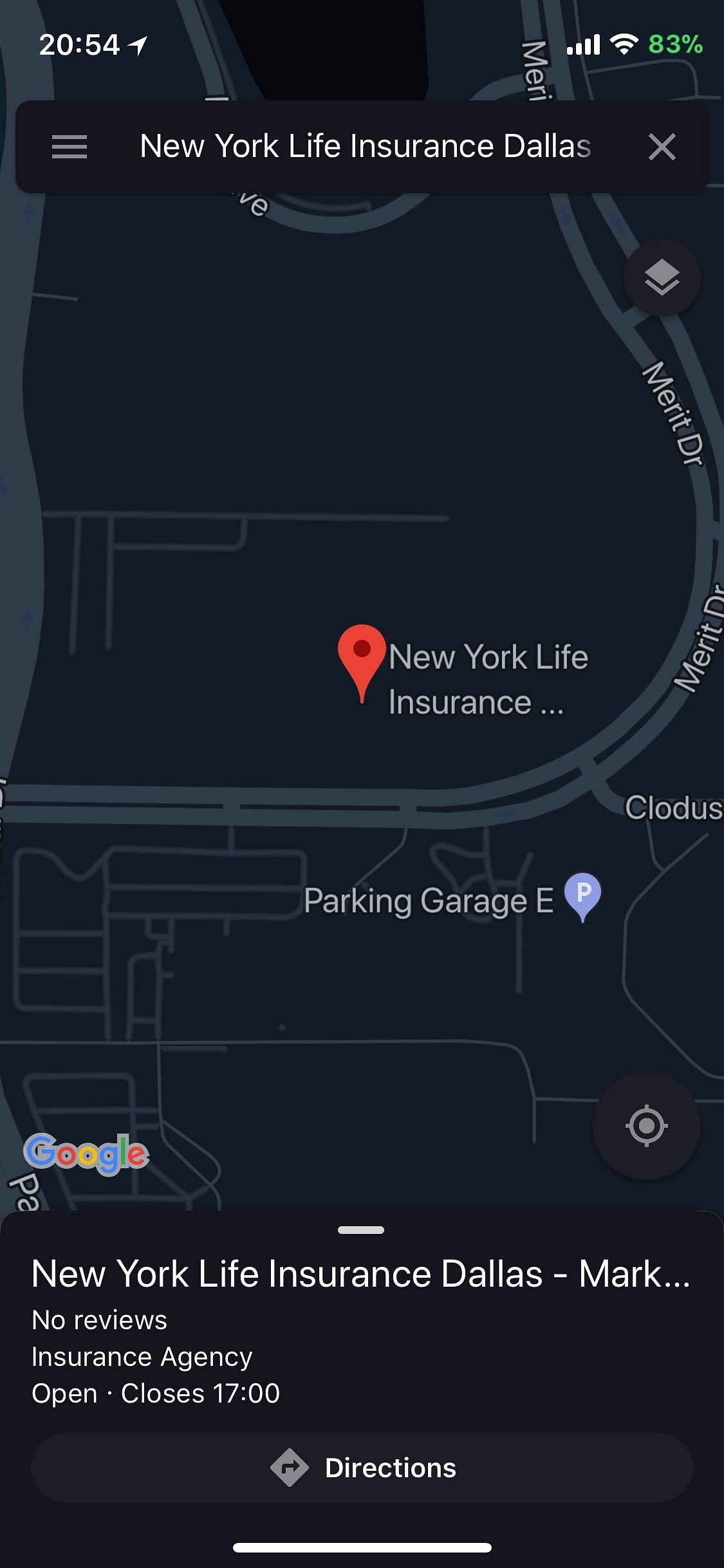
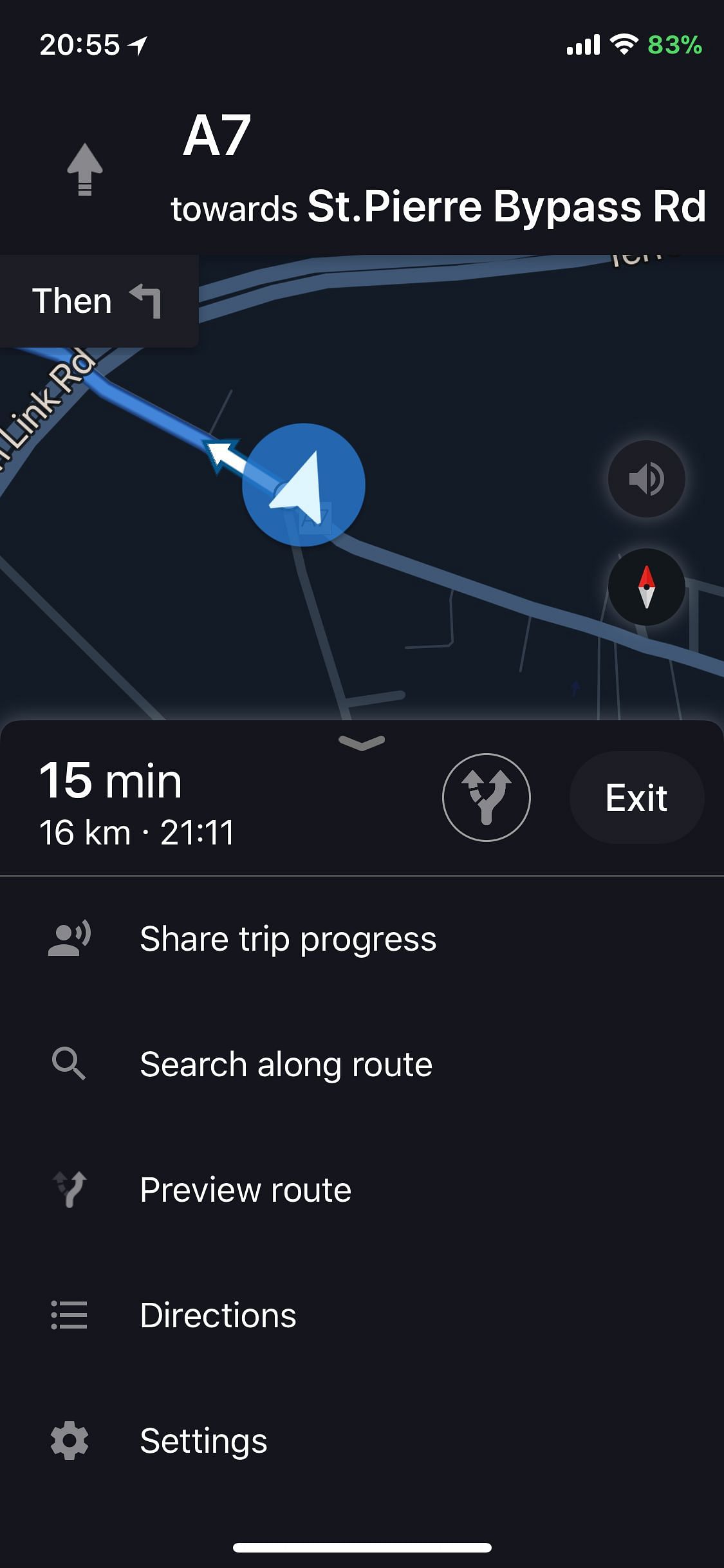
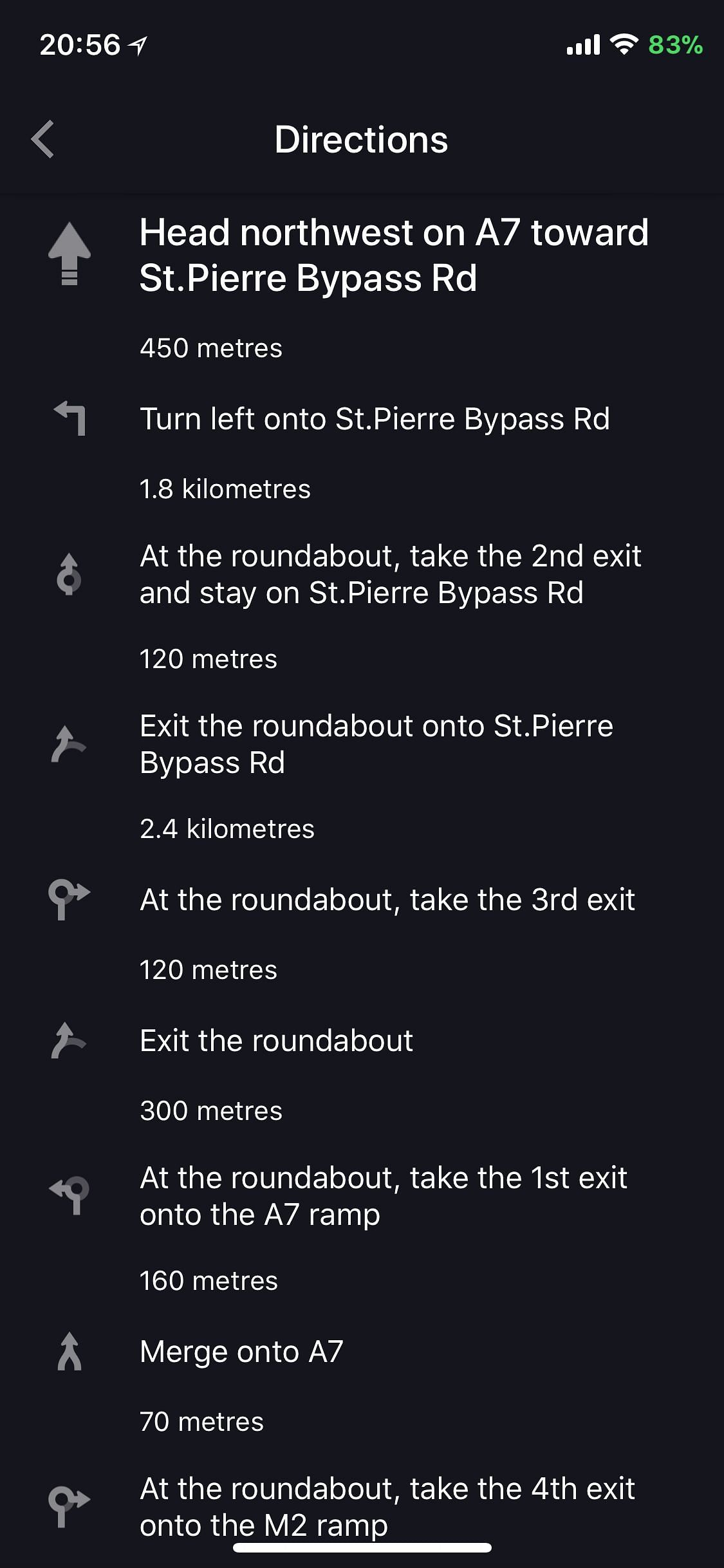
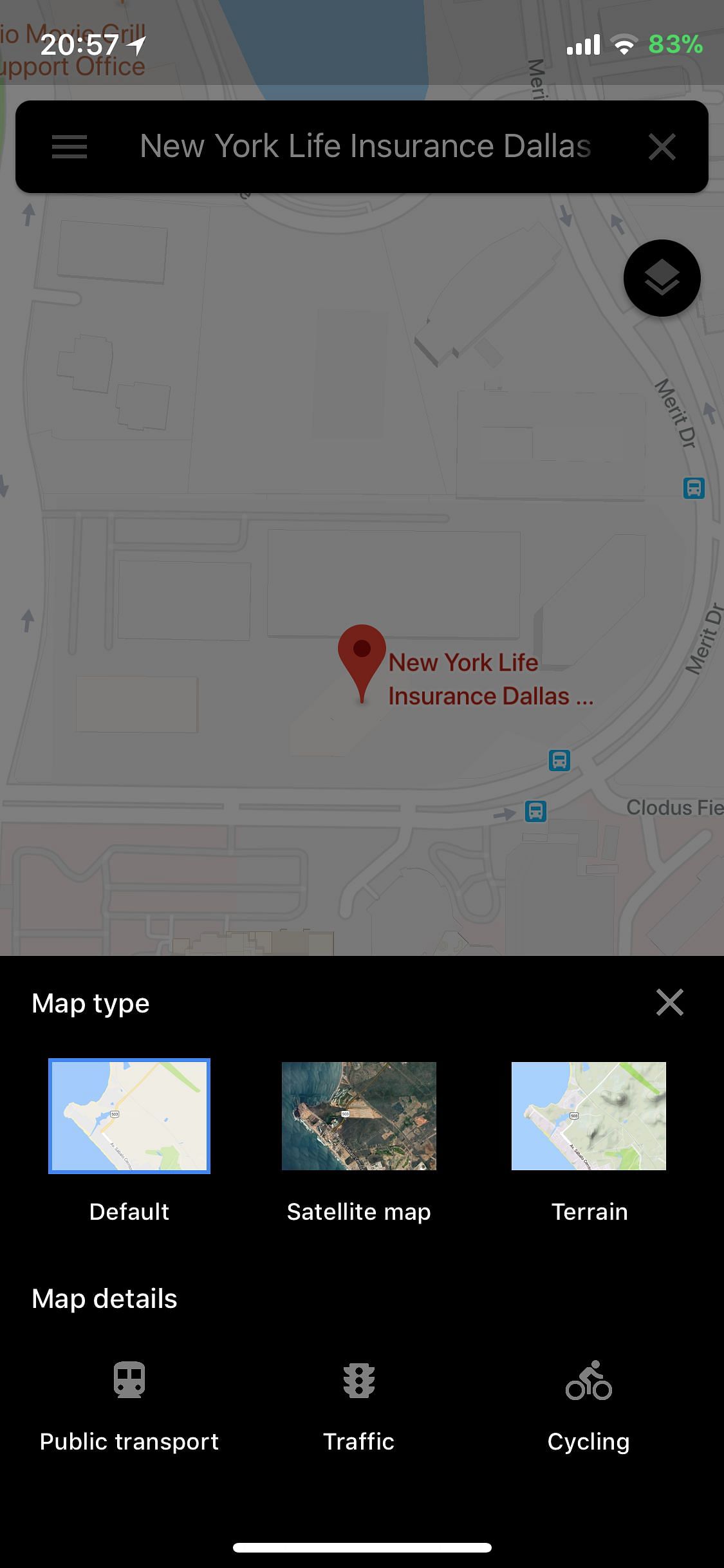
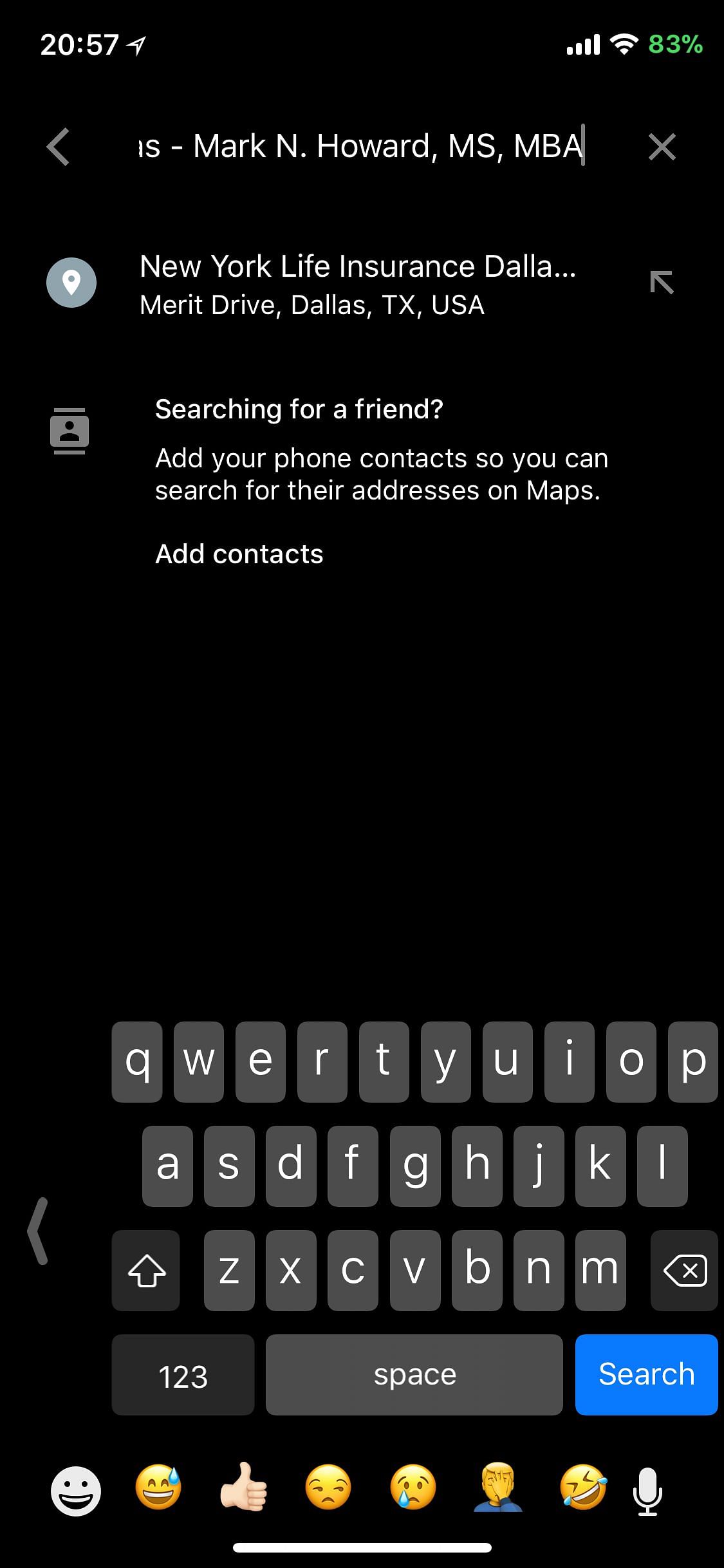
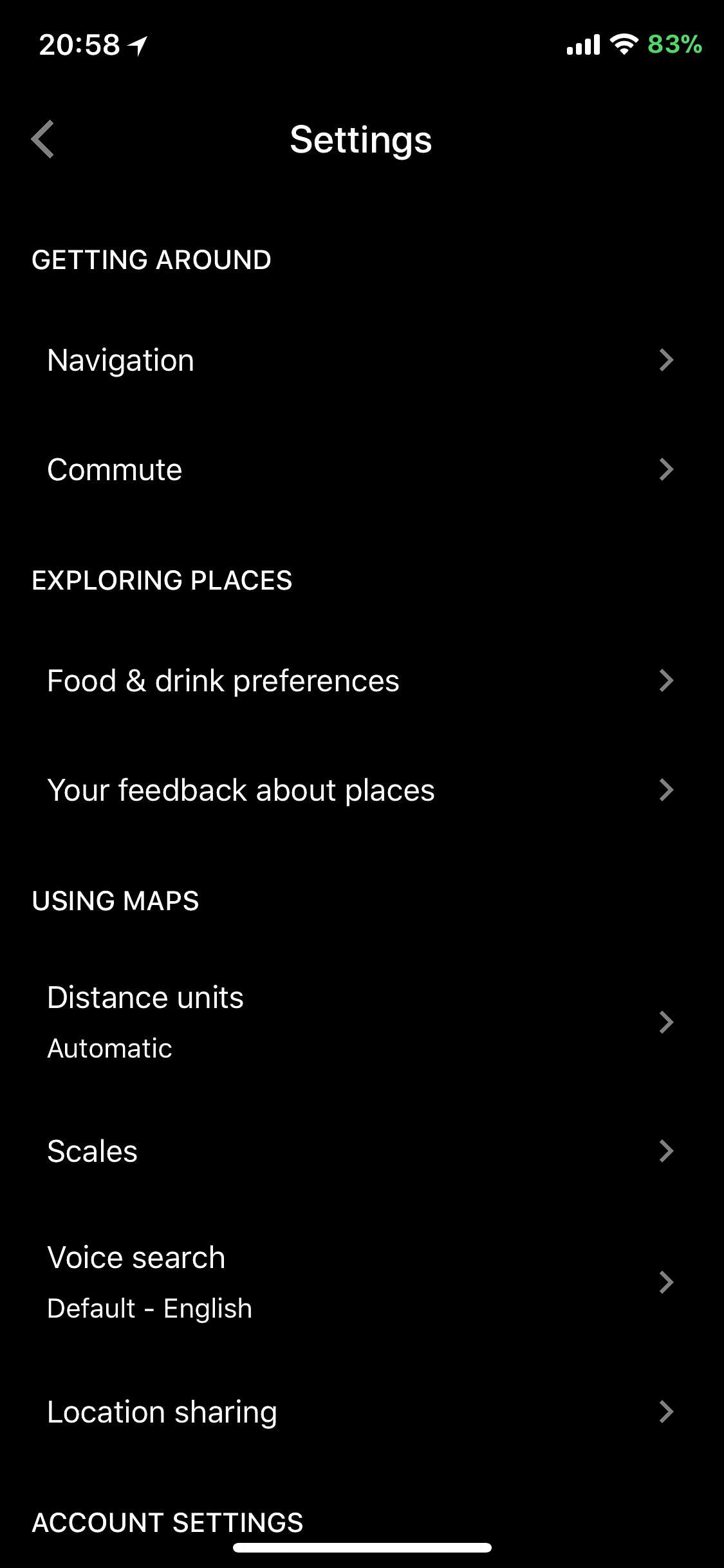
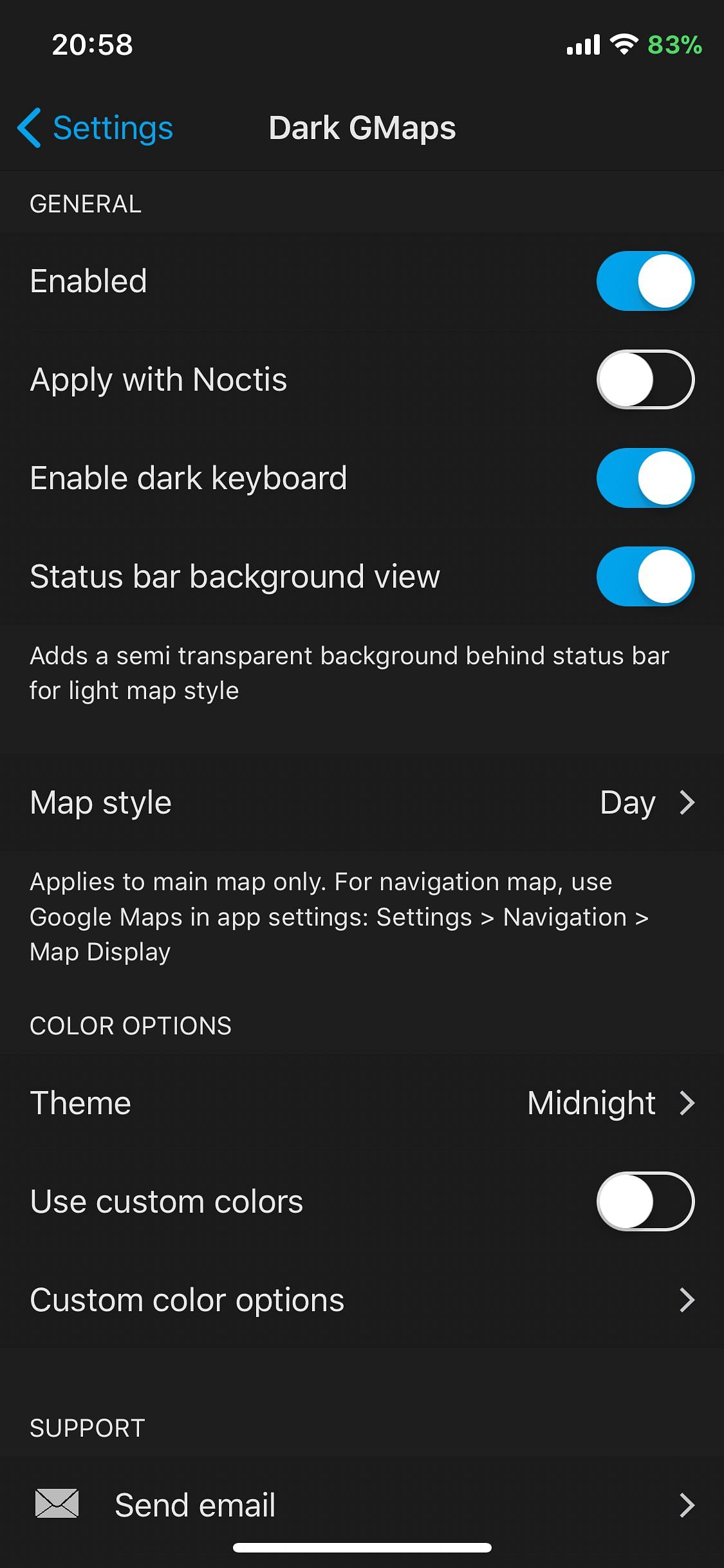
Dark GMaps adds dark mode for Google Maps, offering over 10 themes and a custom color option to tailor your map appearance. It supports Google Maps v5.72 and above, and lets you choose a dark theme from the available options or create your own colors if none fit. Please check your app version before installing to ensure compatibility.
Dark GMaps: وضع داكن لخرائط جوجل
Dark GMaps يضيف وضع داكن قابل للتخصيص لخرائط جوجل. يتيح اختيار سمة داكنة من أكثر من عشرة سمات، ويمكنك ضبط الألوان وفق ذوقك باستخدام خيار الألوان المخصص. يدعم Google Maps v5.72 أو أعلى ويجب مراجعة نسخة التطبيق قبل التثبيت لضمان التوافق. يوفر التطبيق خياراً لتجربة السمات وتبديلها بسهولة لإطالة عمر القراءة الليلية أثناء الاستخدام. جلبريك روتفل فقط
الصور
روابط التحميل
كيف يتم تثبيت Dark GMaps (Rootful)؟
1. قم بتنزيل ملف ZIP.
2. افتح التطبيق وانقر على "تثبيت".
3. اتبع الخطوات التي تظهر على الشاشة.