
DarkSounds (Rootful)
foxfortmobile
February 1, 2022
February 1, 2022
245.82 KB
1.5.6
iOS (Rootful)
https://havoc.app
وصف
DarkSounds
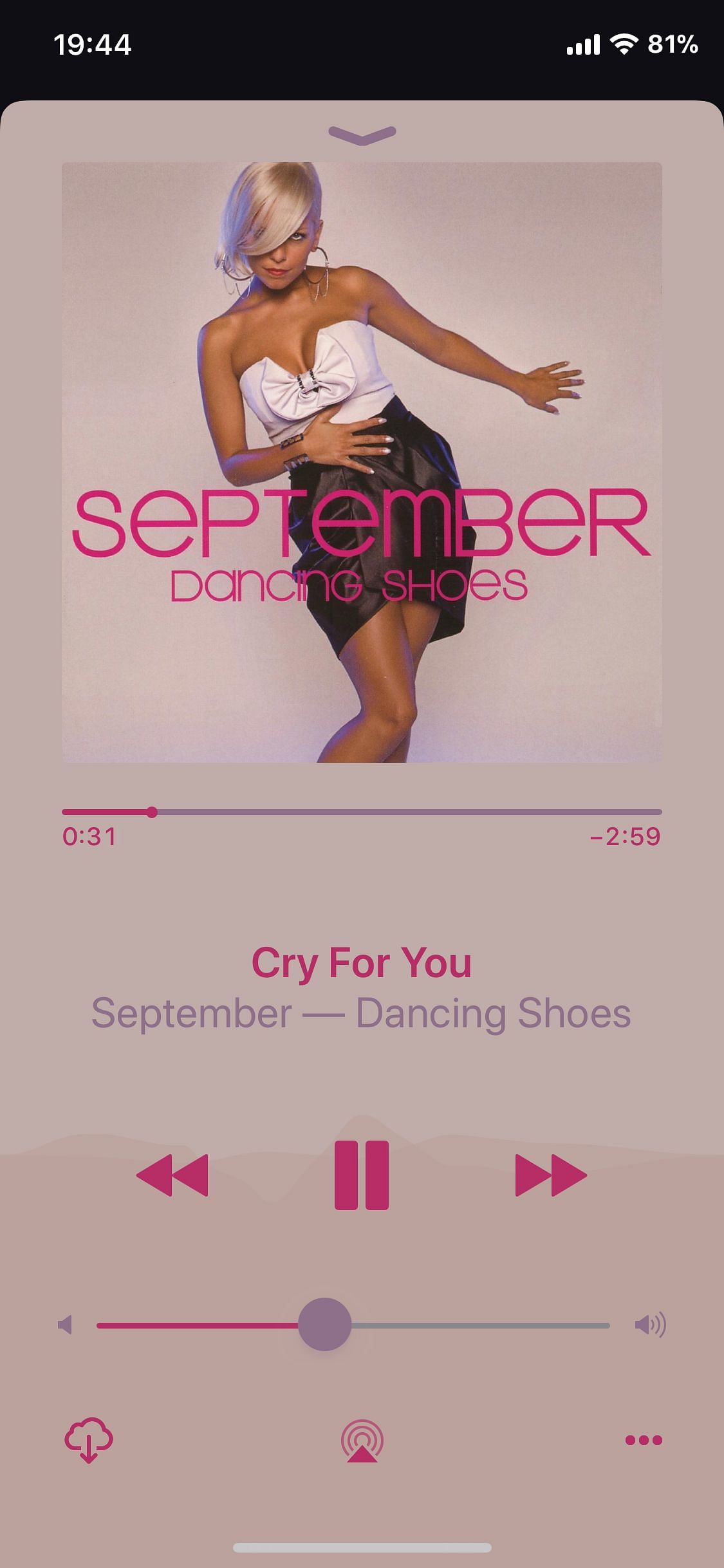
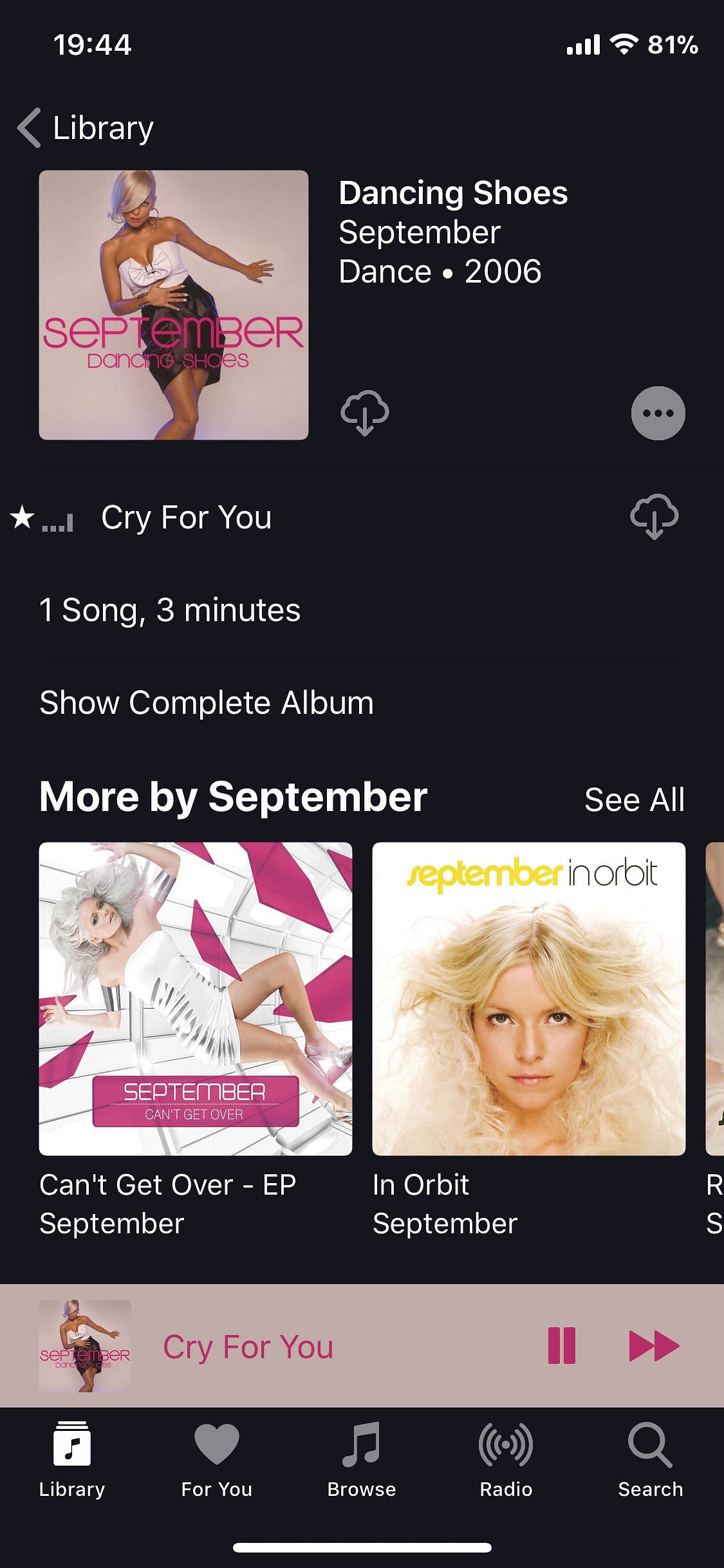
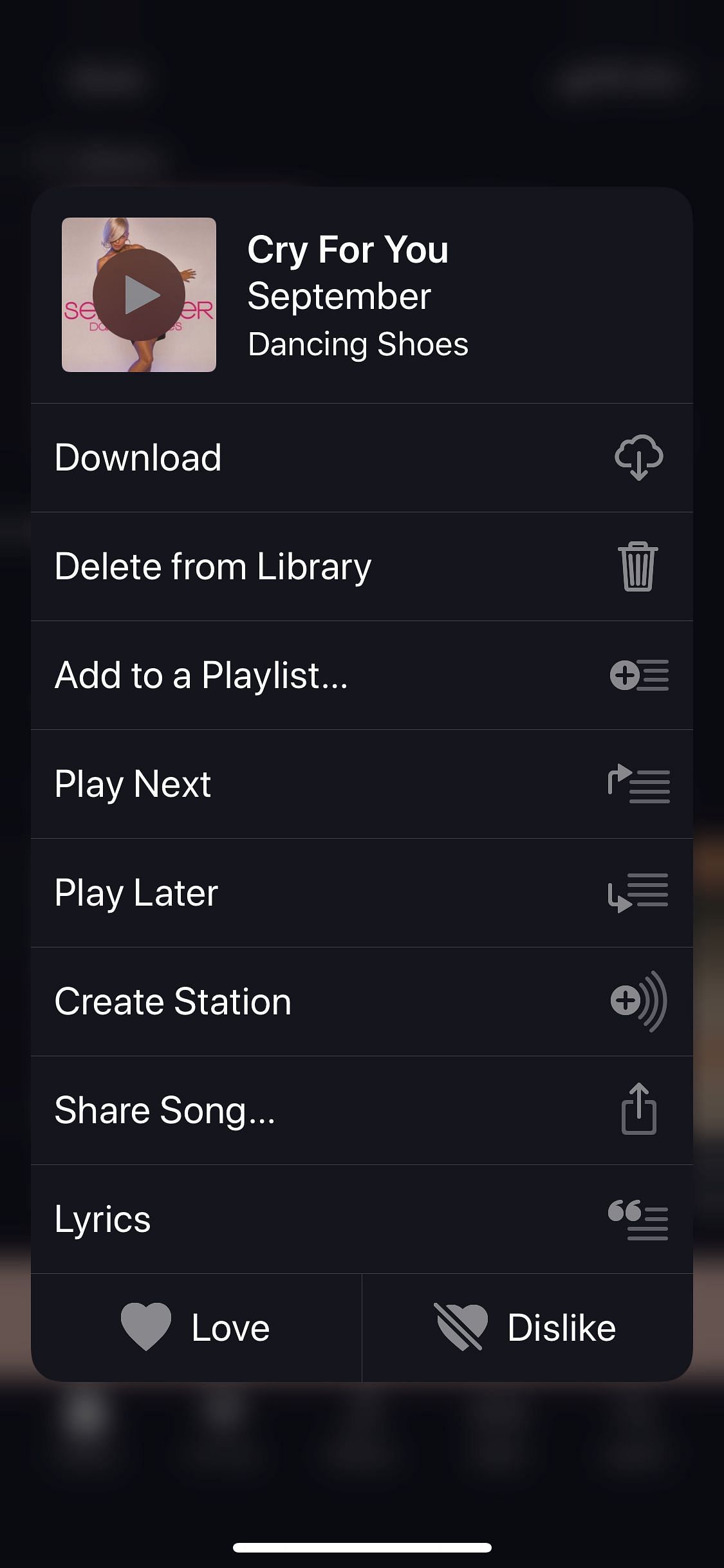
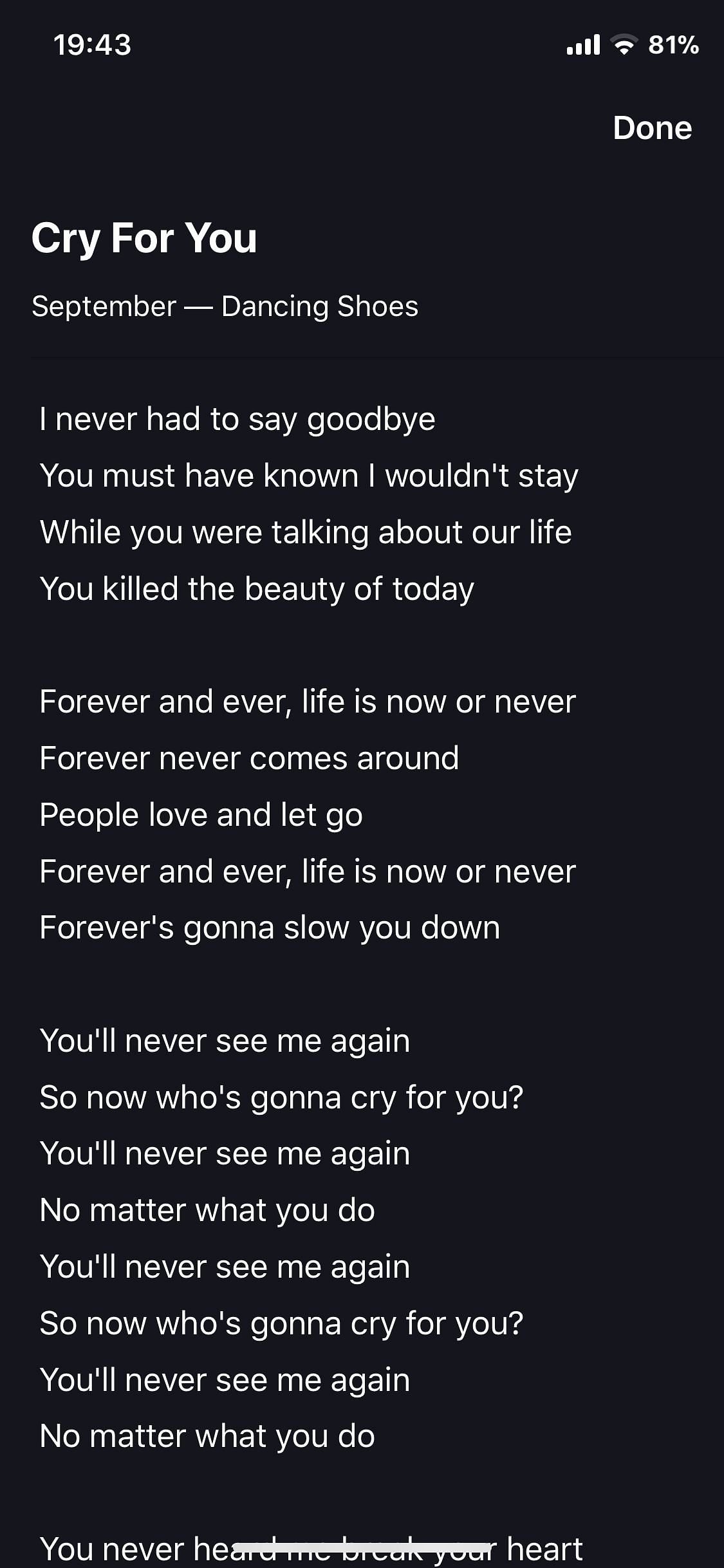
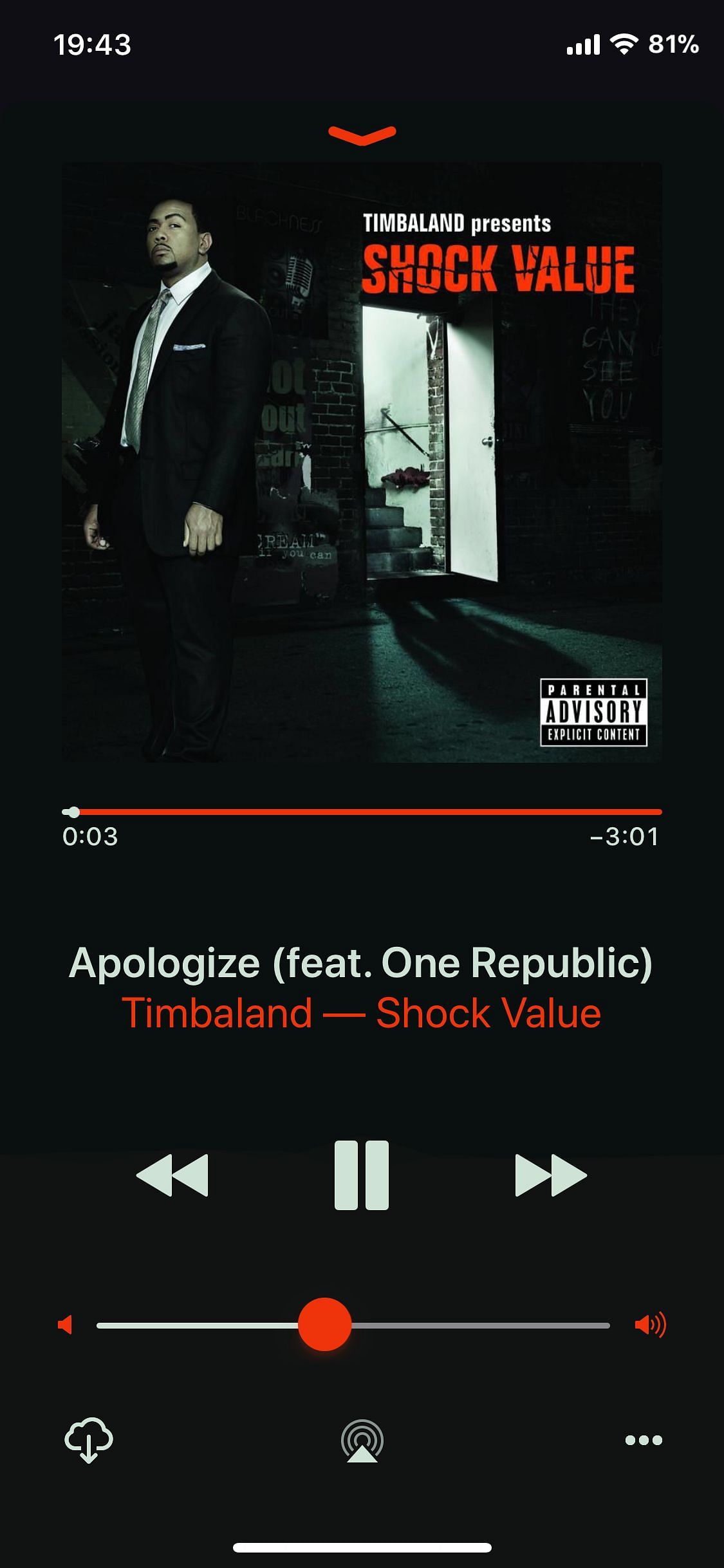
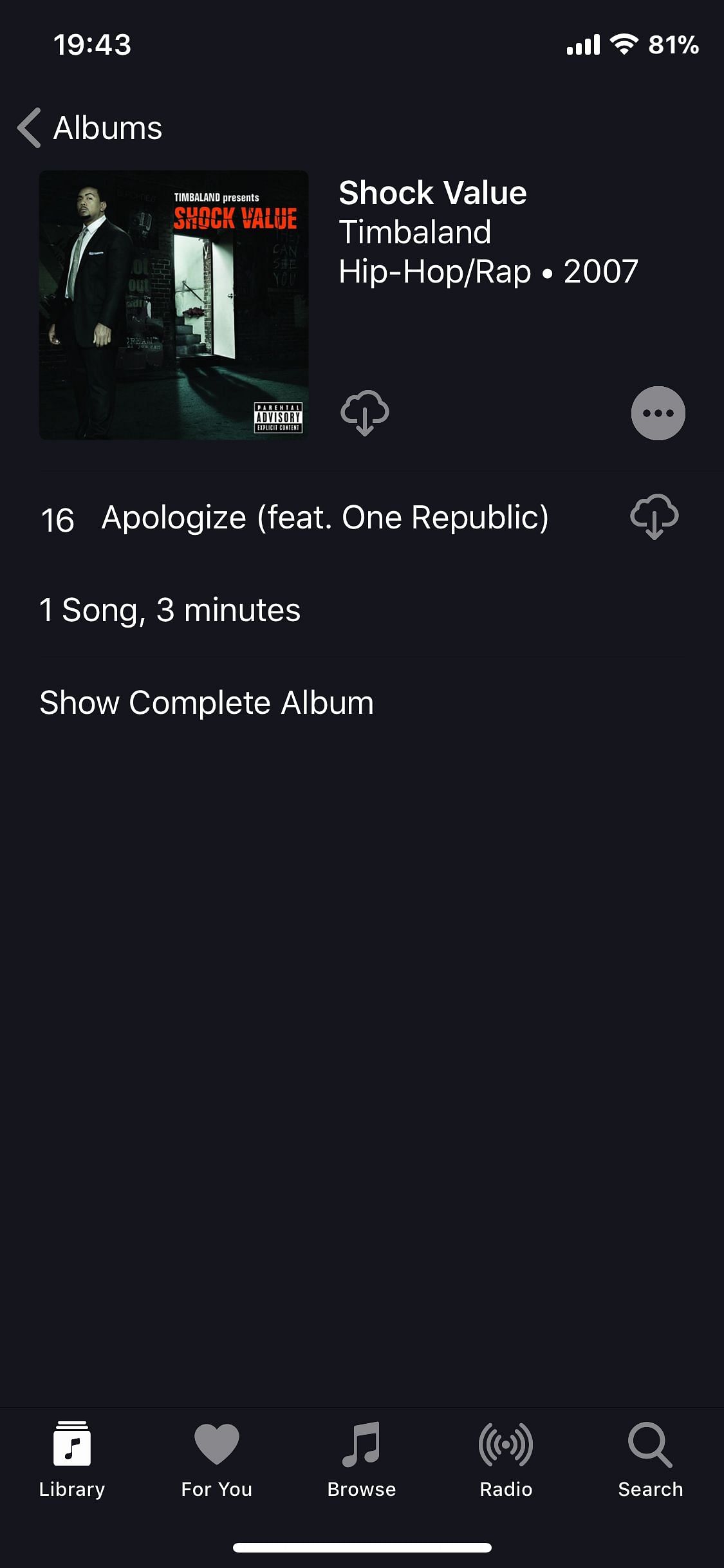
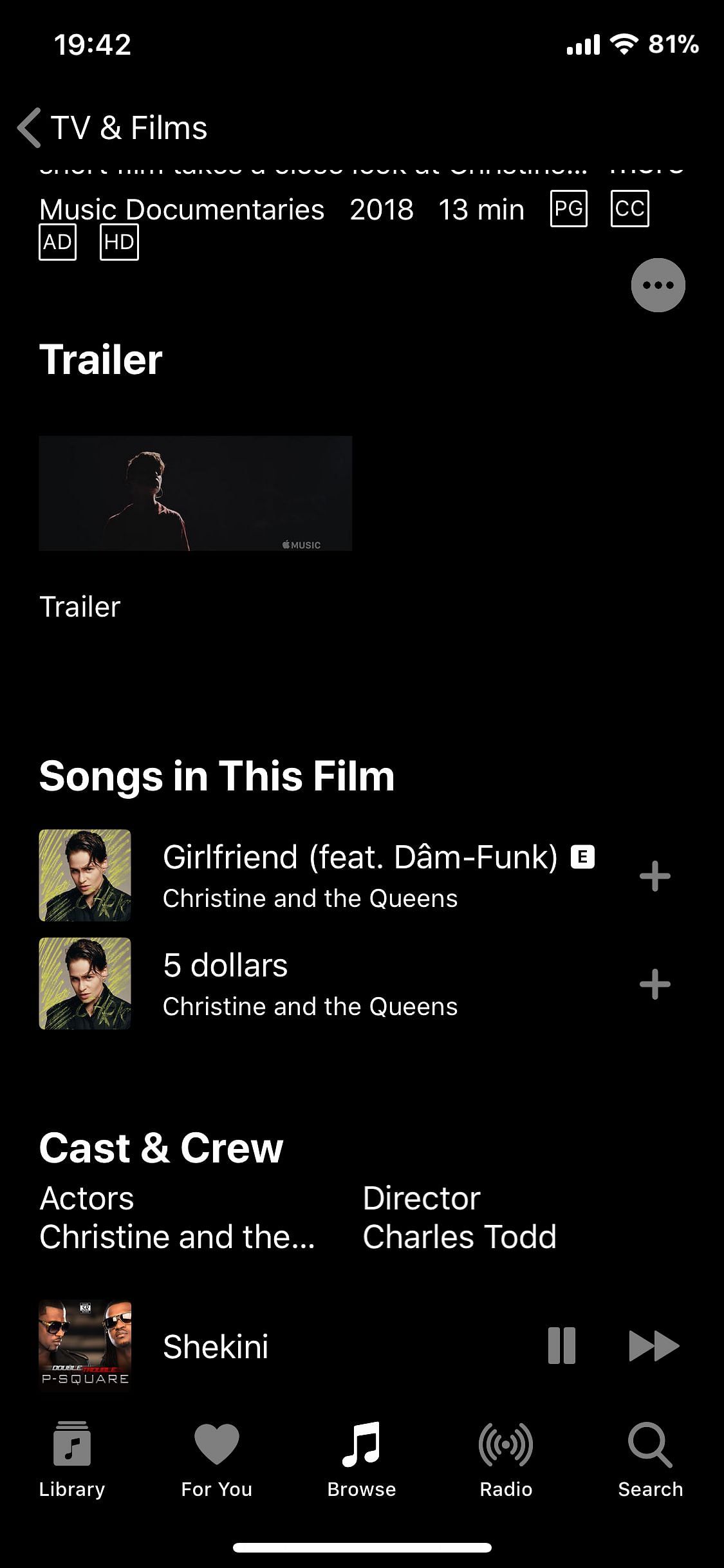
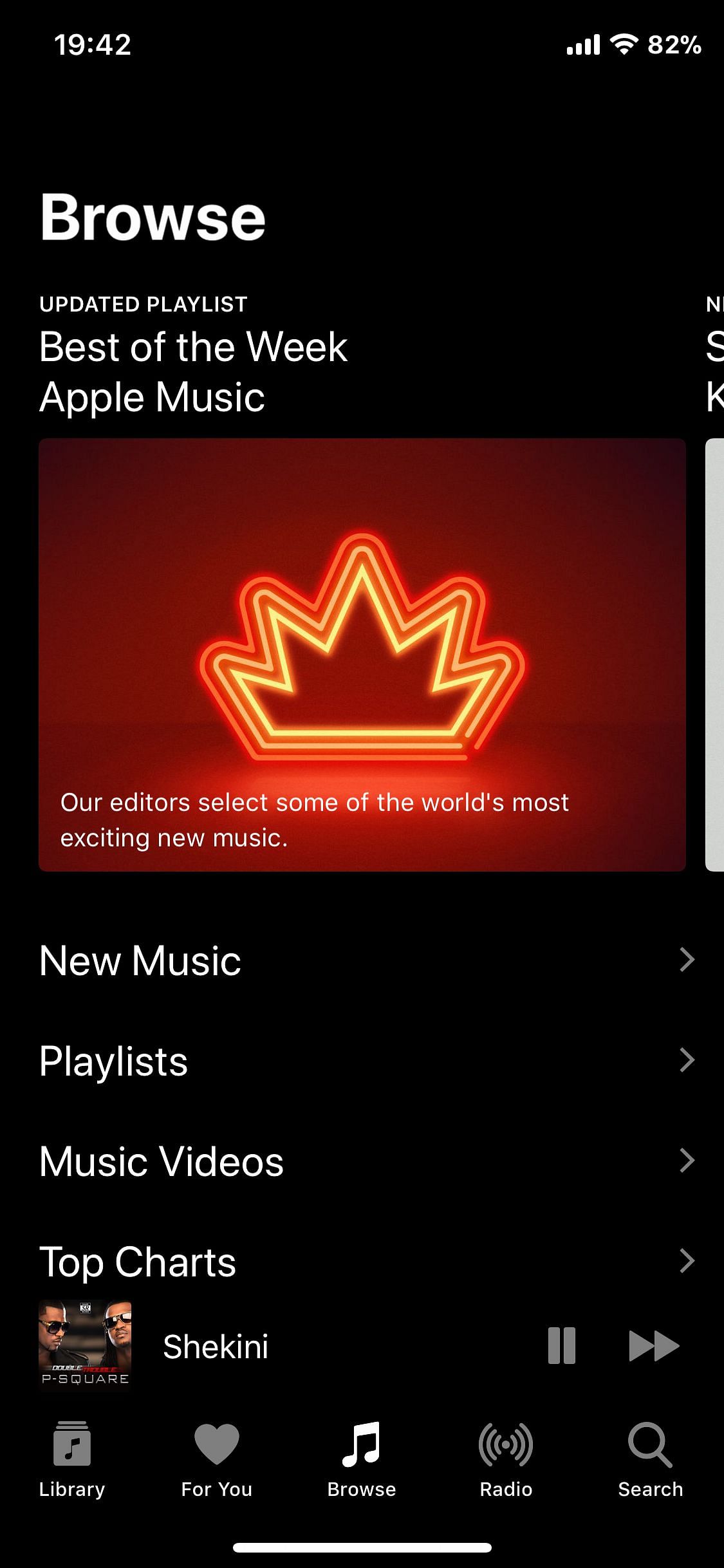
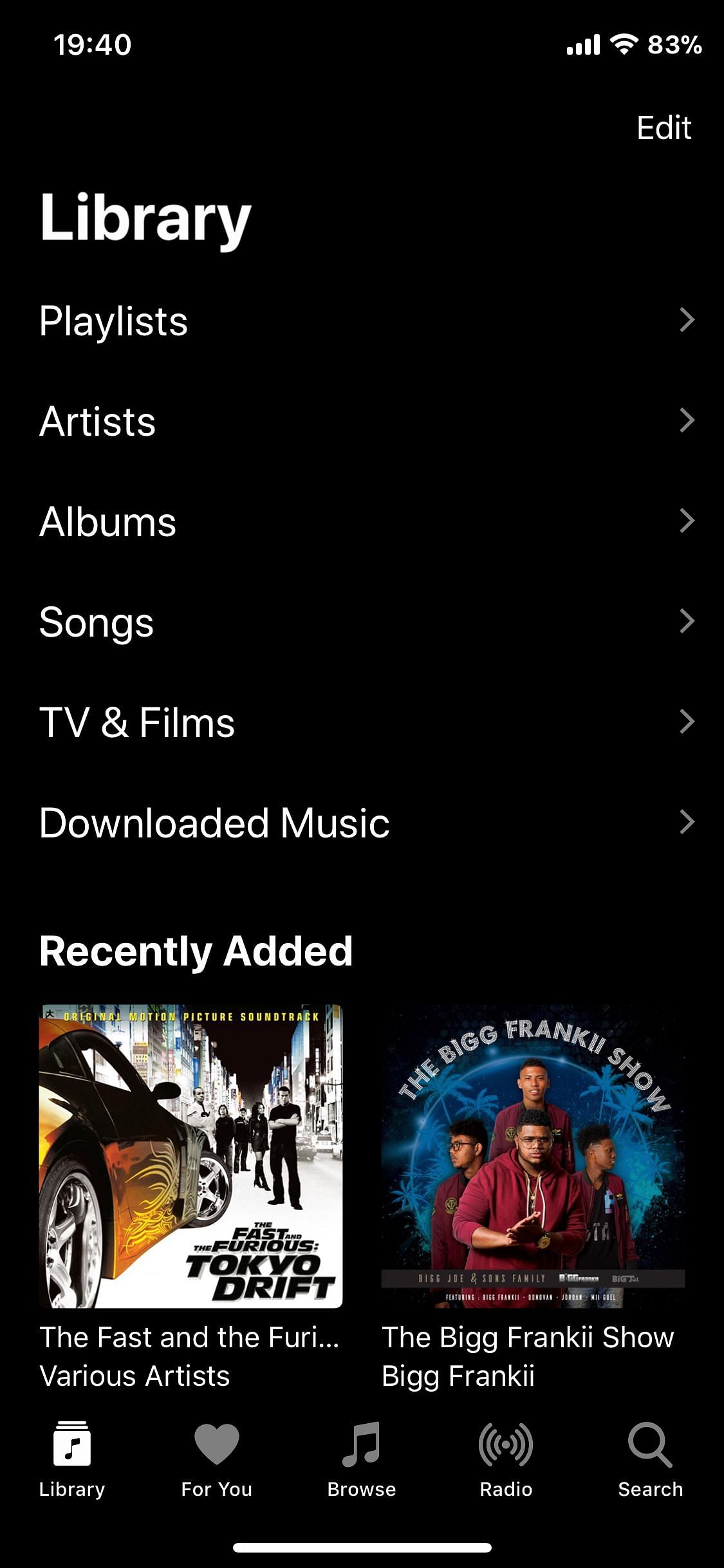
Dark mode for Apple Music
Information
| Mode | Rootful |
| Architectures | arm |
| Section | Tweaks |
| Author | foxfortmobile <foxfortmobile@gmail.com> |
Available versions for DarkSounds tweak
- DarkSounds V 1.5.6: Released on 2022-02-01.
- SHA256: 486b79a1b360d1ddae4a6abd20111b09ff169cb1fcc5d8bd6ebc97076fe1d4f0
- MD5: 8d07638b16e617bc386bda740aa7a472
- Architecture: iOS arm (Rootful).
DarkSounds: Apple Music Dark Theme Tweaks
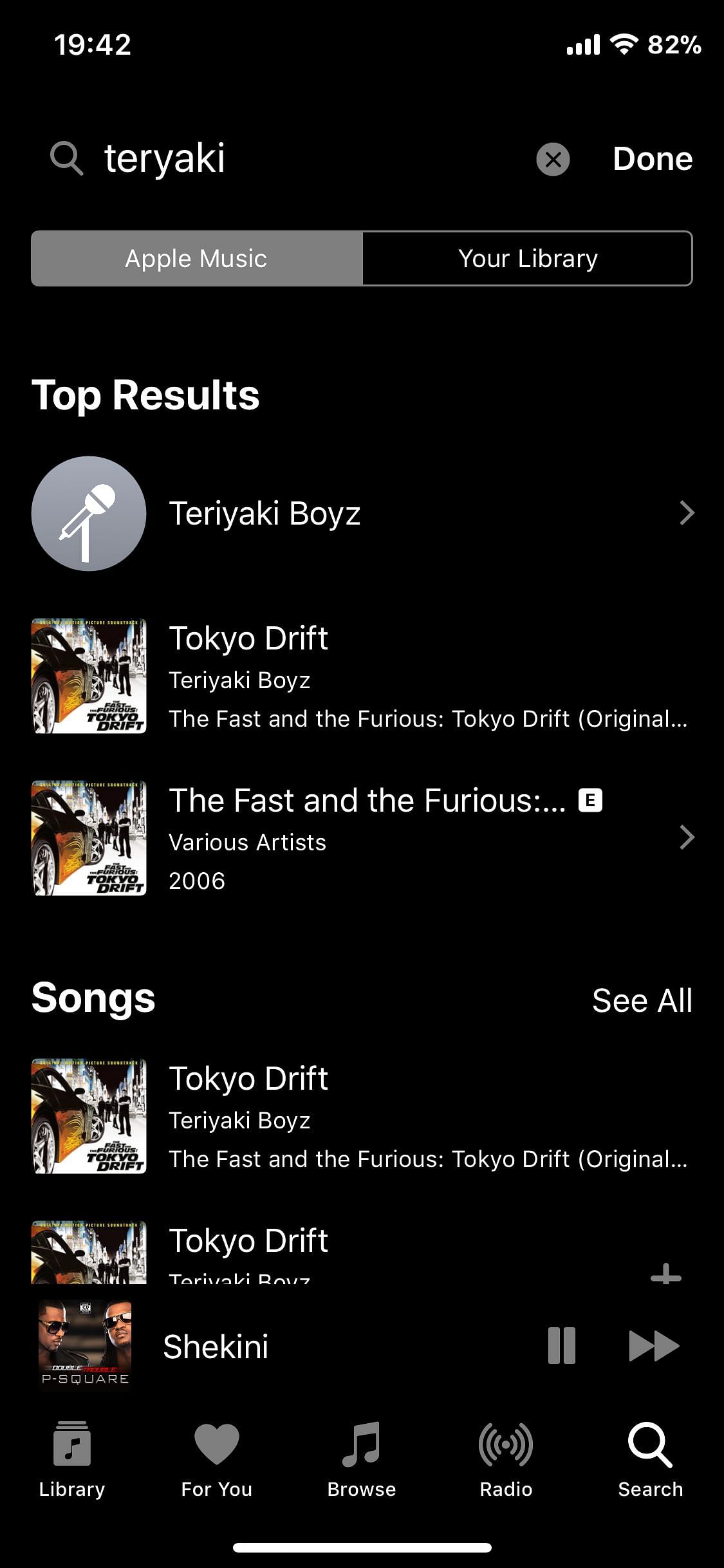
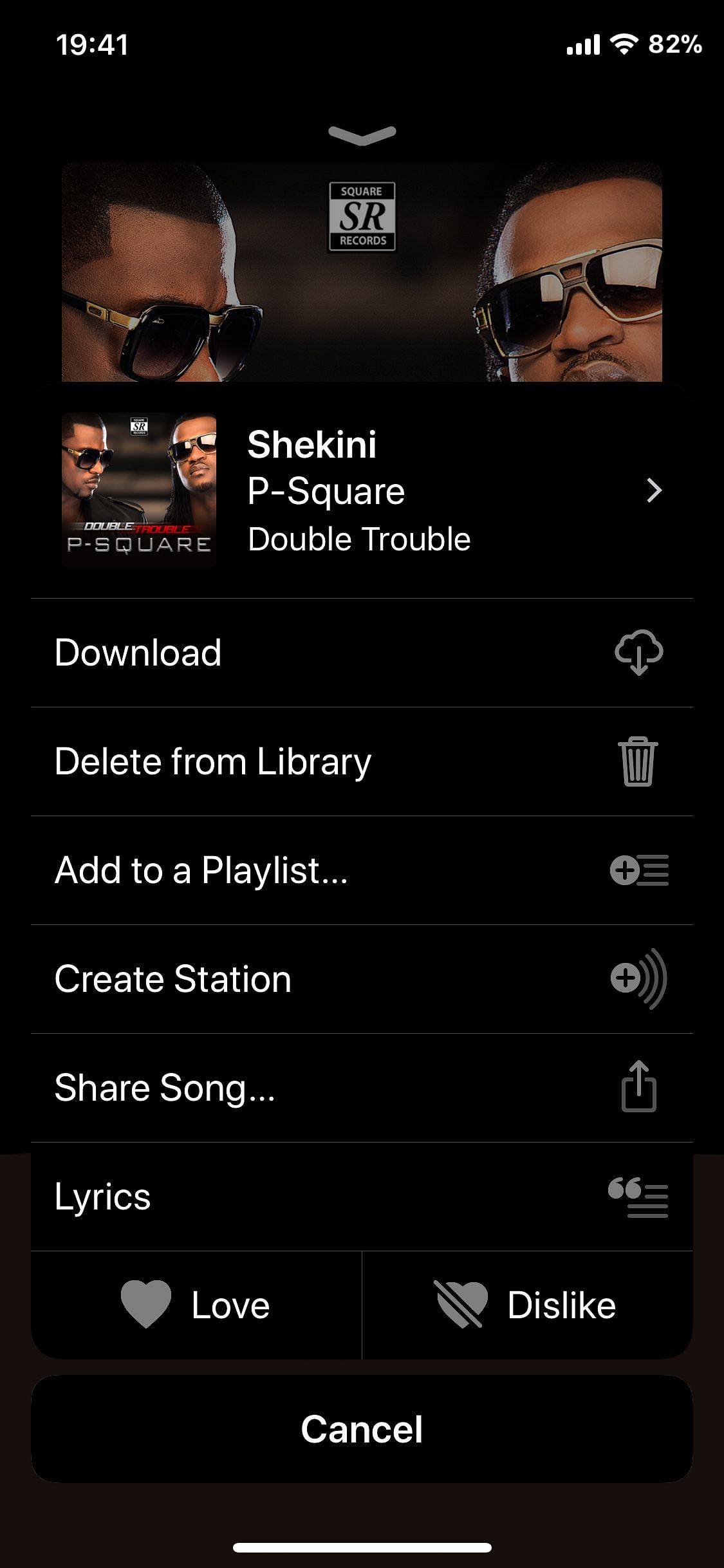
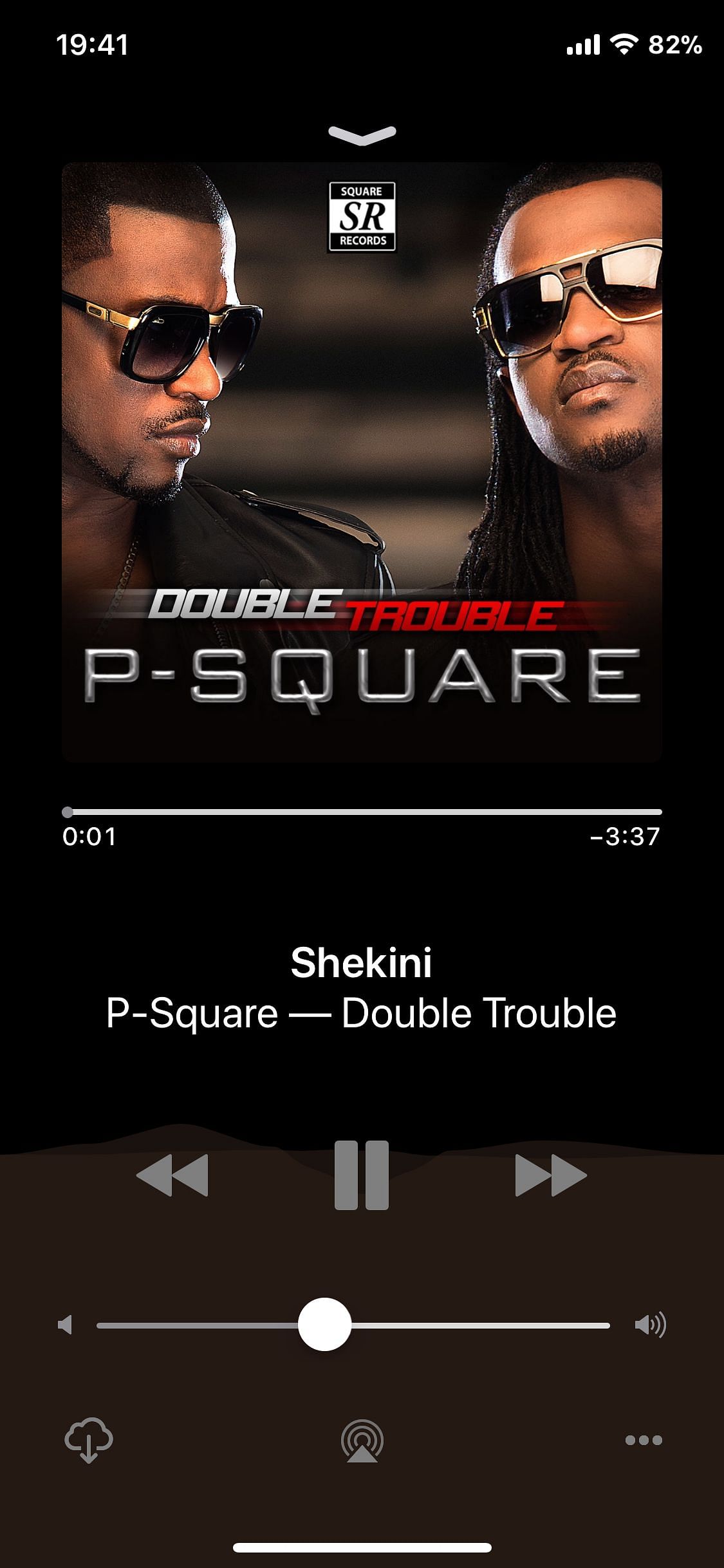
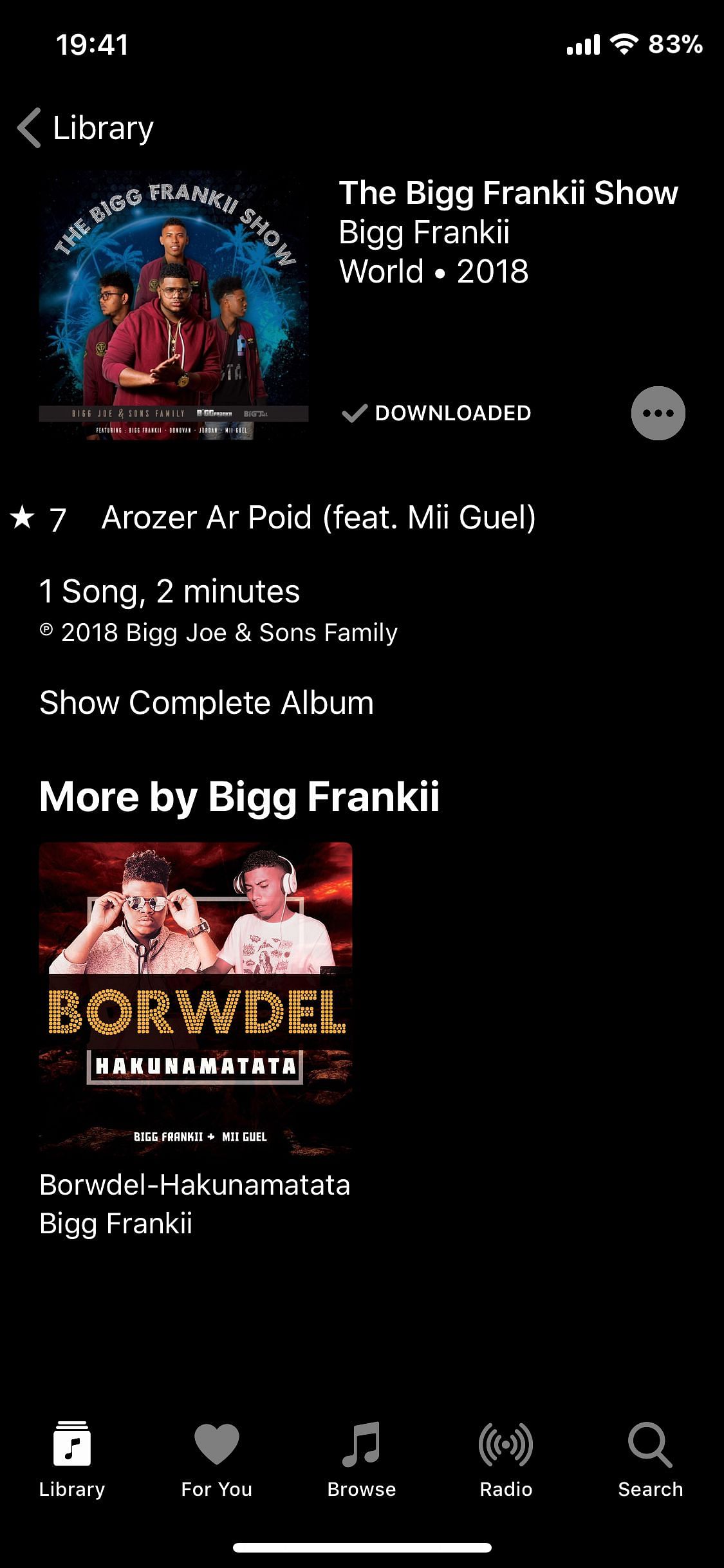
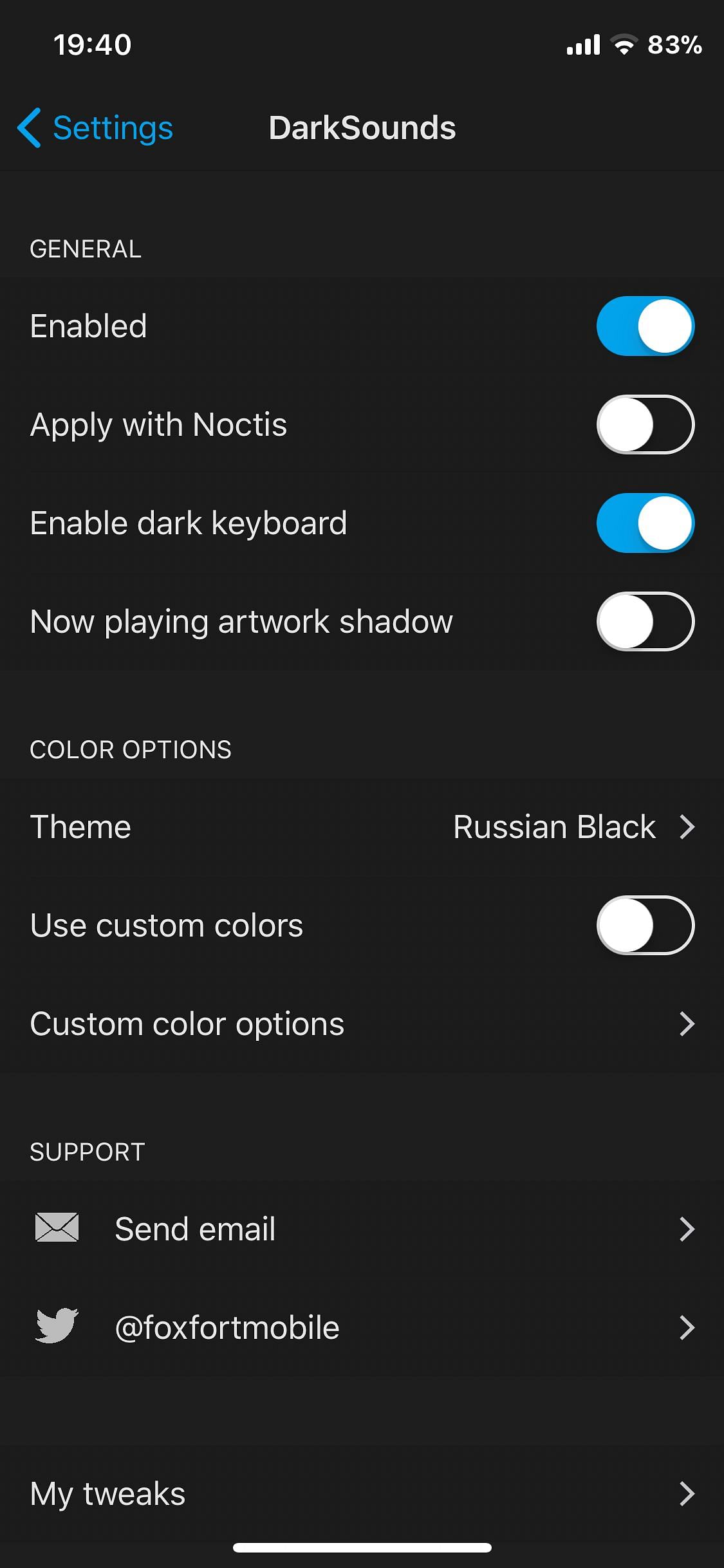
DarkSounds brings a customizable dark mode to Apple Music, offering more than ten themes to choose from and a dedicated option to define your own colors with the custom color tool. Pick a theme that fits your style, or tailor the palette to match your setup. The tweak works with MitushaXI, ColorFlow4, Artsy, and SchMusic to deliver a cohesive dark music experience.
DarkSounds: ثيمات داكنة لـ Apple Music
DarkSounds يغيّر مظهر Apple Music بإتاحة وضعيات داكنة متعددة من اختيارك من بين أكثر من عشرة ثيمات. اختَر ثيمًا داكنًا من القائمة أو اضبط ألوانك باستخدام خيار اللون المخصص. متوافق مع MitushaXI وColorFlow4 وArtsy وSchMusic، وتذكر تعطيل EclipseXI/NoctisXI في تطبيق الموسيقى لتجنب التعارضات المحتملة. جلبريك روتفل فقط
الصور
روابط التحميل
كيف يتم تثبيت DarkSounds (Rootful)؟
1. قم بتنزيل ملف ZIP.
2. افتح التطبيق وانقر على "تثبيت".
3. اتبع الخطوات التي تظهر على الشاشة.