
Gmail Midnight (Rootful)
foxfortmobile
February 1, 2022
February 1, 2022
140.54 KB
2.0.0
iOS (Rootful)
https://havoc.app
وصف
Gmail Midnight
Night mode for Gmail
Information
| Mode | Rootful |
| Architectures | arm |
| Section | Tweaks |
| Author | foxfortmobile <foxfortmobile@gmail.com> |
Available versions for Gmail Midnight tweak
- Gmail Midnight V 2.0.0: Released on 2022-02-01.
- SHA256: 4b841cf9a5ecc6615d6c78d1cc387f89233f87fa56e087831b8e3581f2a1a9fe
- MD5: e588d7abe99b9d02d717c4e3344ae9ea
- Architecture: iOS arm (Rootful).
Gmail Midnight
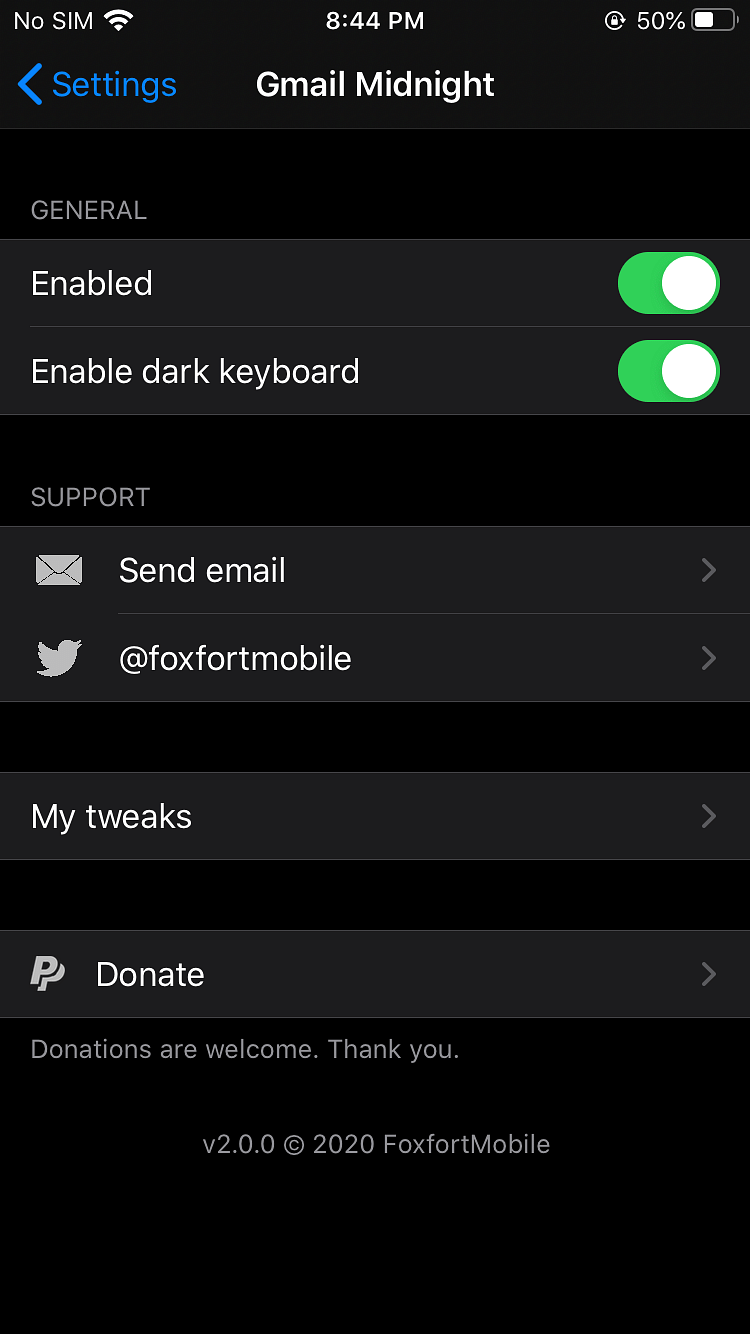
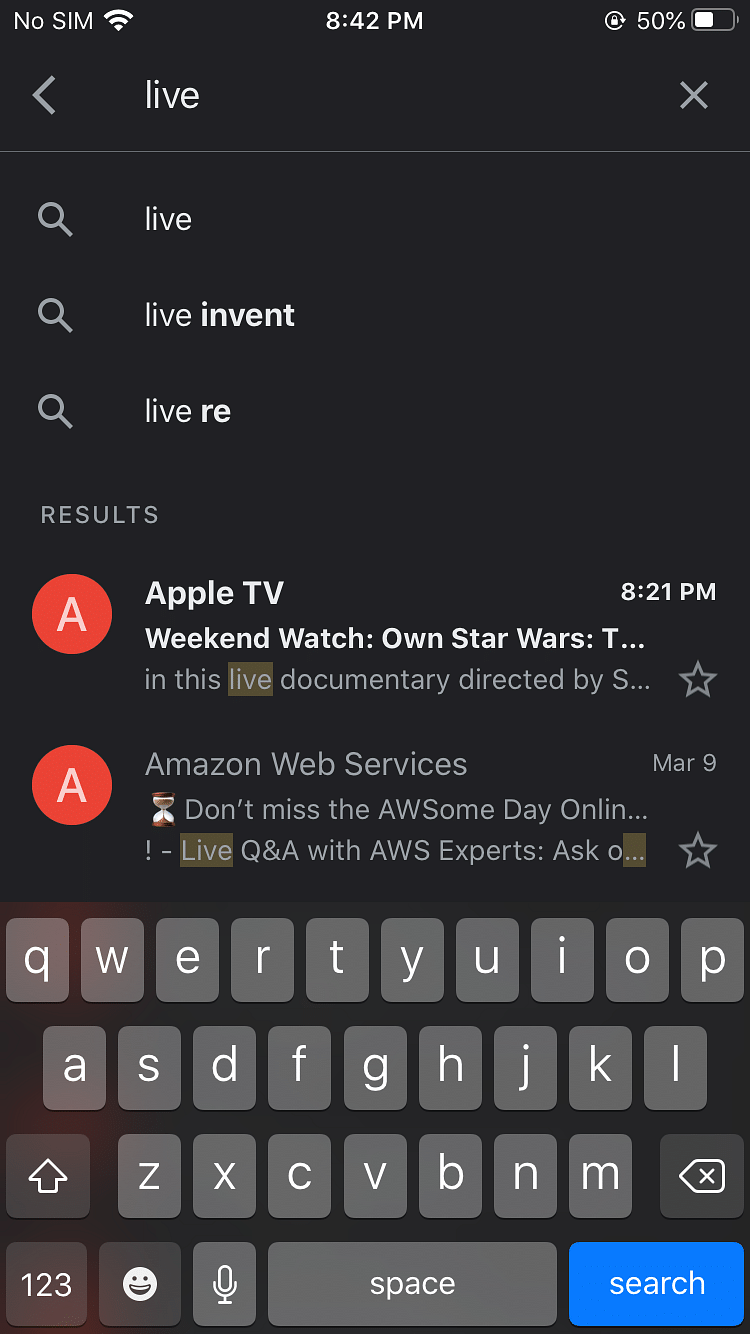
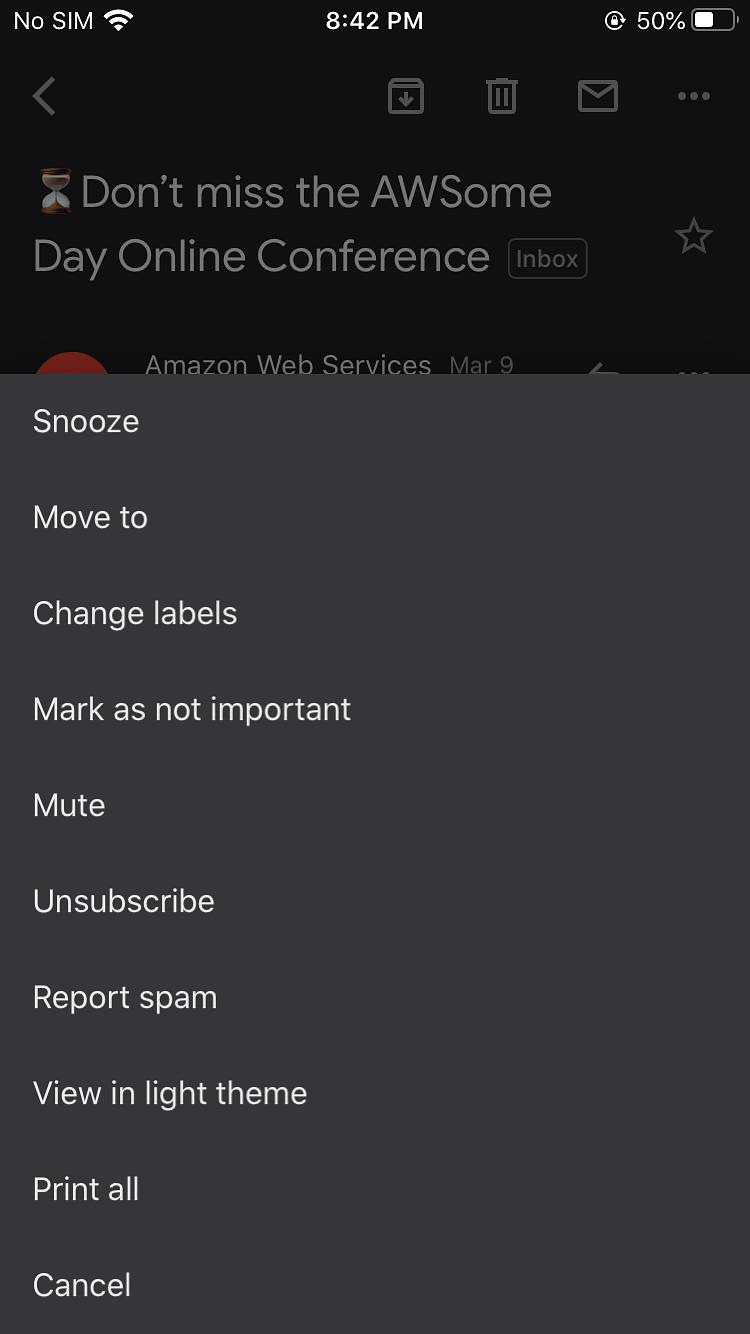
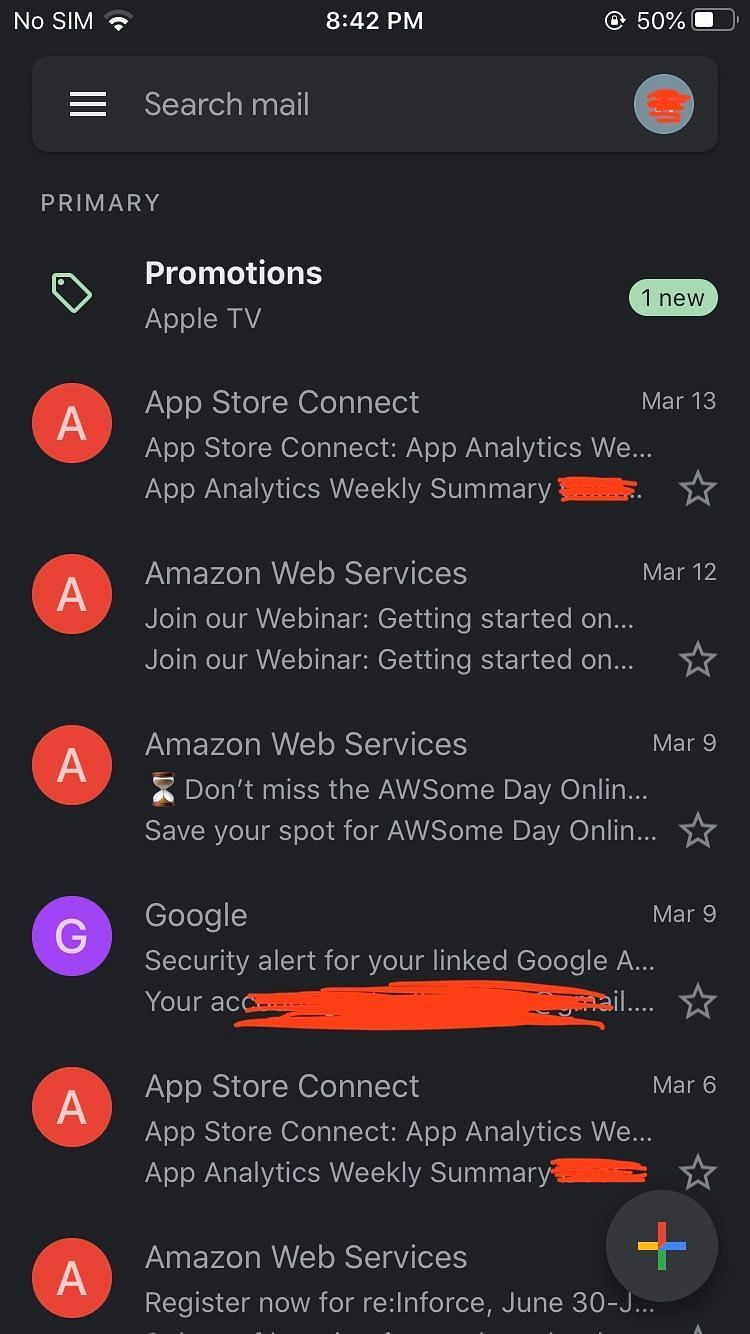
Night mode for Gmail that unlocks a built-in dark mode style. After enabling the tweak, go to Gmail settings and set the dark theme for a consistent dark experience. Version 2.0.0 updates include support for syncing with ios 13 system dark mode and the removal of the OLED style, while keeping a lightweight 140.54 KB package. It requires mobilesubstrate, org.thebigboss.libcolorpicker, preferenceloader, com.foxfort.foxforttools, and com.foxfort.libfoxfortutils.
Gmail Midnight
Gmail Midnight يوفر وضع الليل لبريد Gmail. بعد التفعيل، اذهب إلى إعدادات تطبيق Gmail واختر السمة الداكنة لتفعيل الوضع الليلي. يدعم التزامن مع وضع النظام الداكن في iOS 13، كما يفتح نمط داكن مدمج. تم إزالة نمط OLED وخيار التبديل مع noctis. للإبلاغ عن الأخطاء أو الحصول على المساعدة، أرسل رسالة مع لقطة شاشة إلى foxfortmobile@gmail.com. جلبريك روتفل فقط
الصور

روابط التحميل
كيف يتم تثبيت Gmail Midnight (Rootful)؟
1. قم بتنزيل ملف ZIP.
2. افتح التطبيق وانقر على "تثبيت".
3. اتبع الخطوات التي تظهر على الشاشة.