
SmartDND (Rootful)
EliasSfeir
February 4, 2022
February 4, 2022
2.31 MB
1.1
iOS (Rootful)
https://havoc.app
وصف
SmartDND
SmartDND
Information
| Mode | Rootful |
| Architectures | arm |
| Section | Tweaks |
| Author | EliasSfeir <esfeir4@gmail.com> |
Available versions for SmartDND tweak
- SmartDND V 1.1.
- SHA256: f374b297c56ff79f41684edfc4d4af9a8a2b927d9e8117d286299d5be1c5aa24
- MD5: 26bf4f719499f1d6f472c9e4ad02333b
- Architecture: iOS arm (Rootful).
SmartDND: Focus Mode Customizer with Per-App Controls
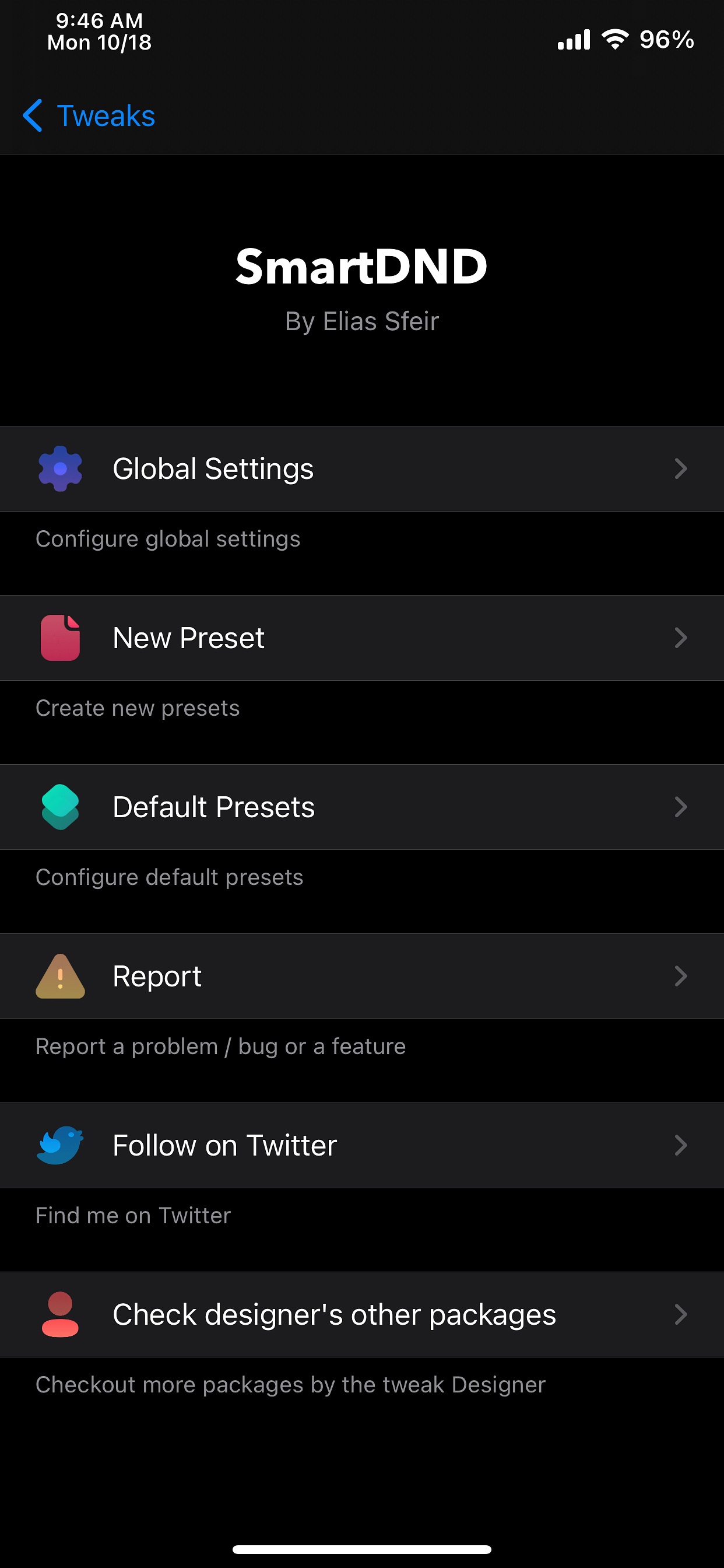
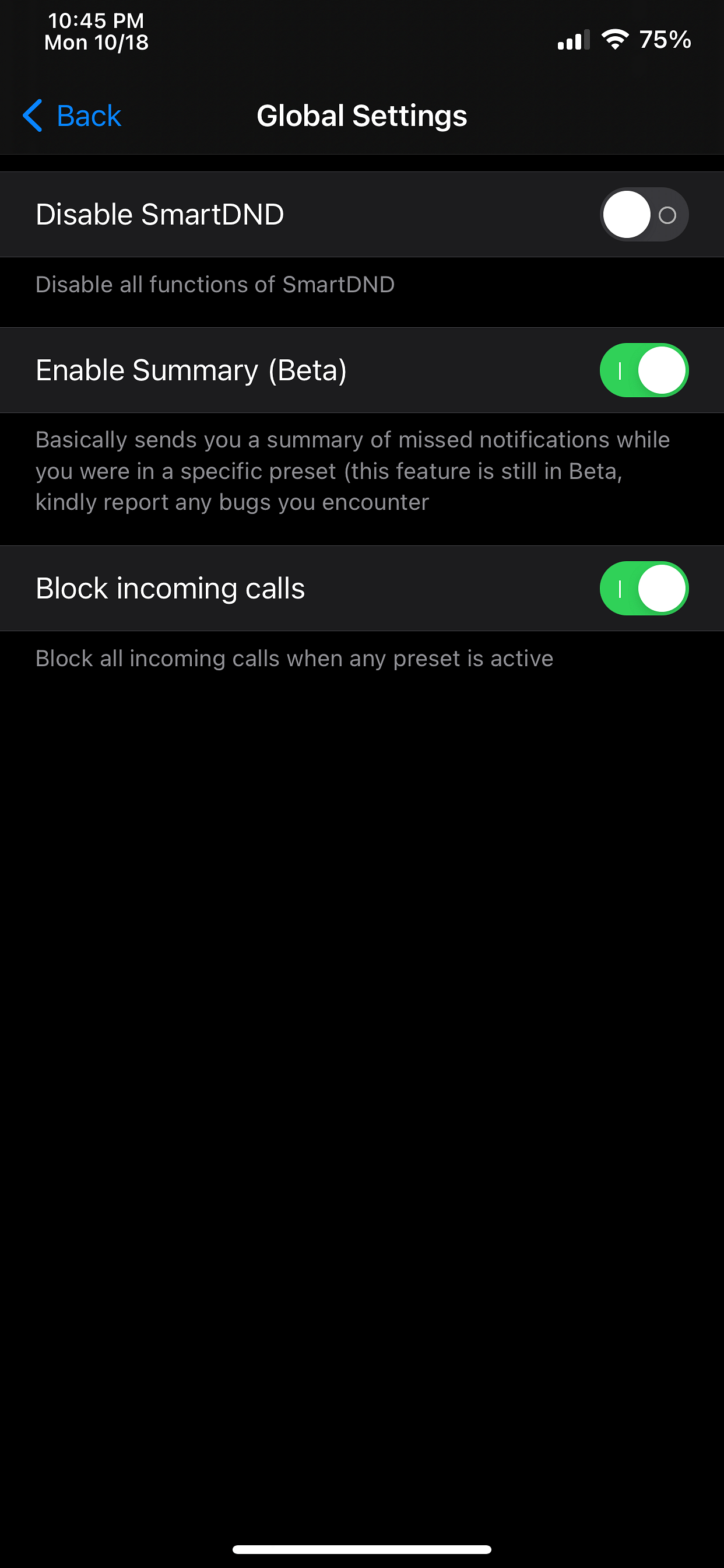
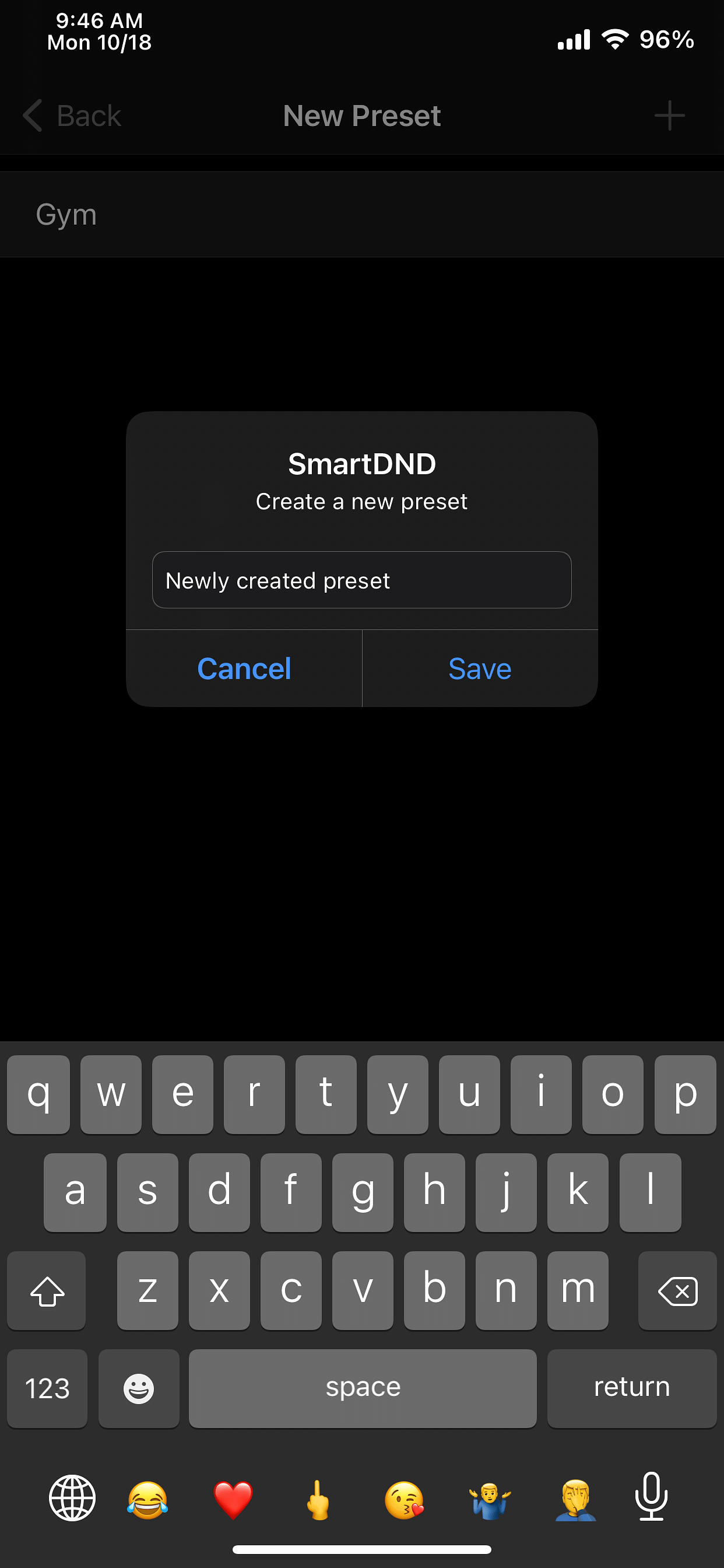
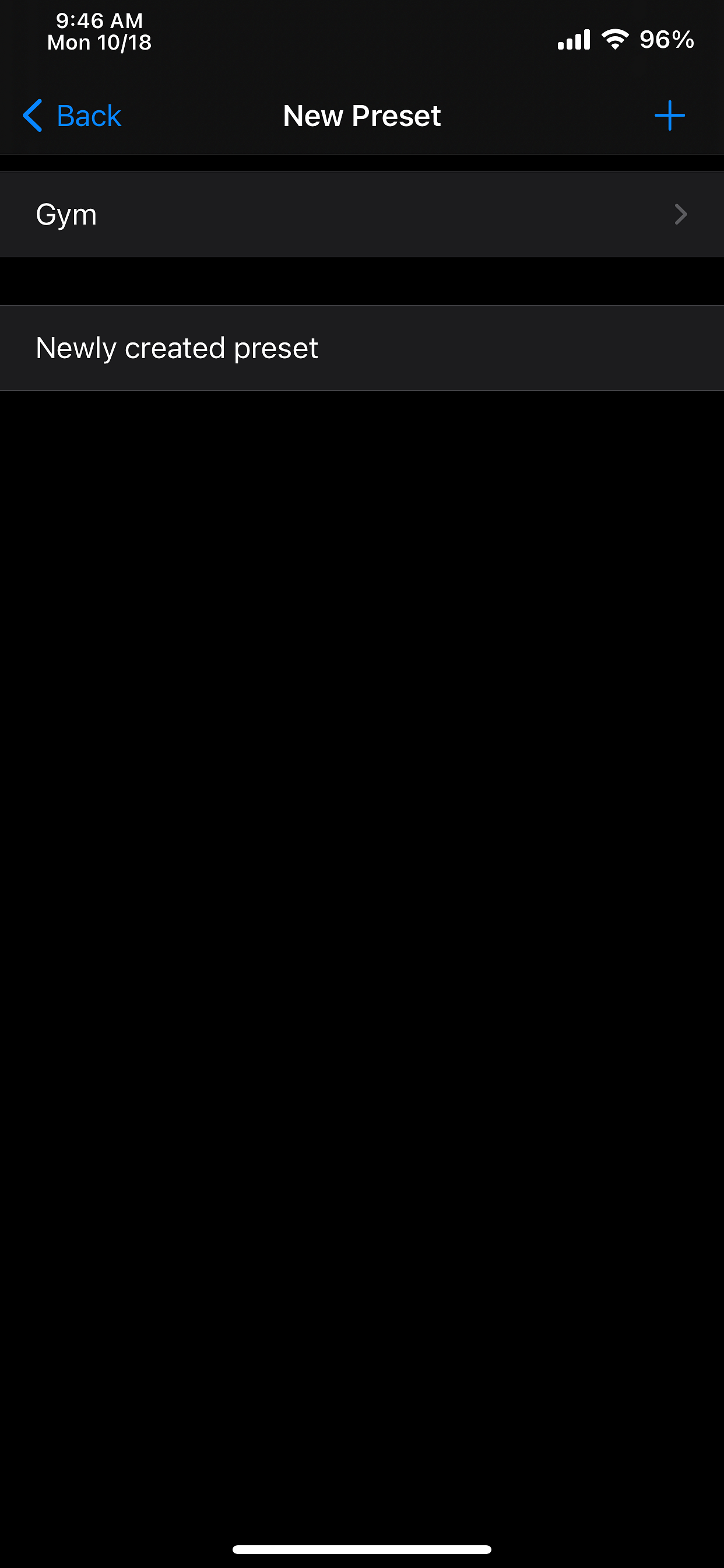
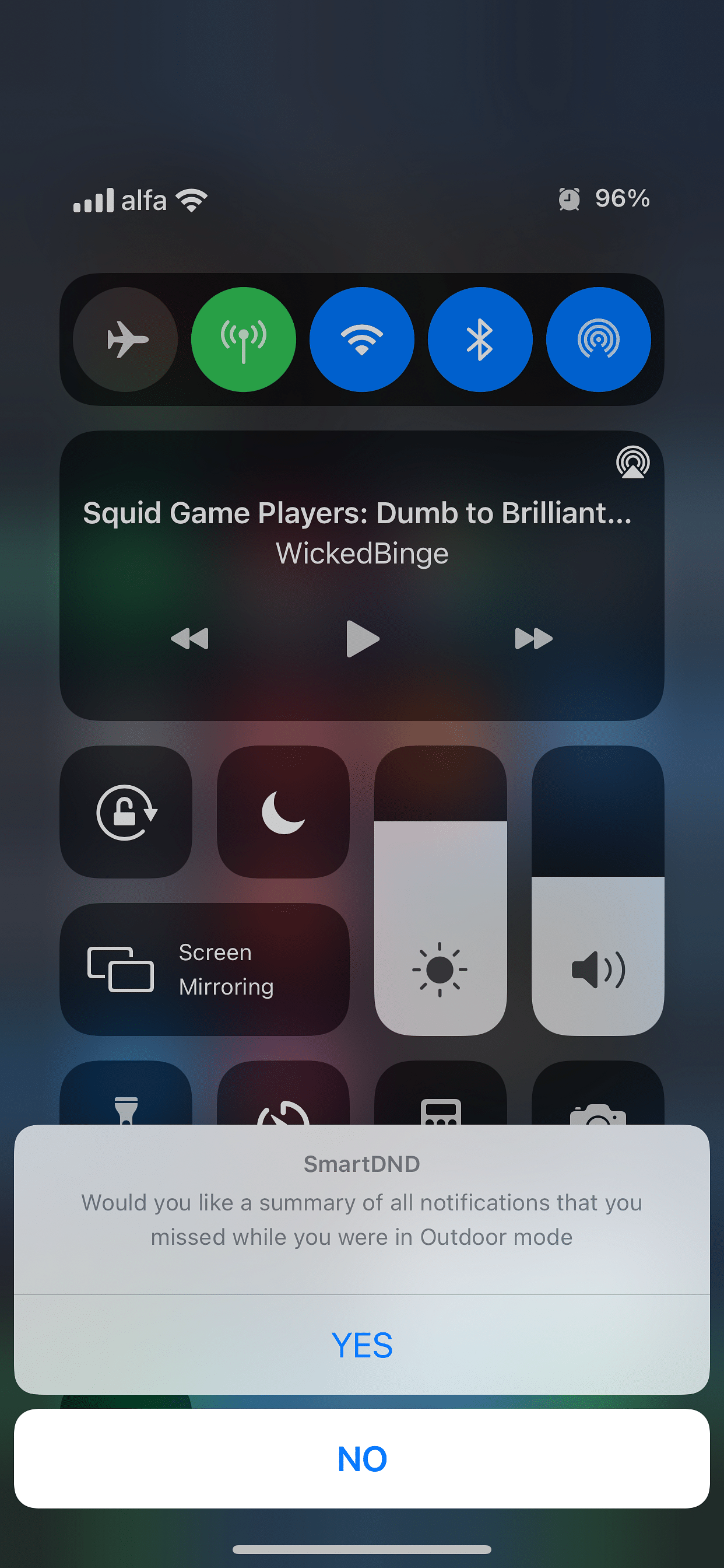
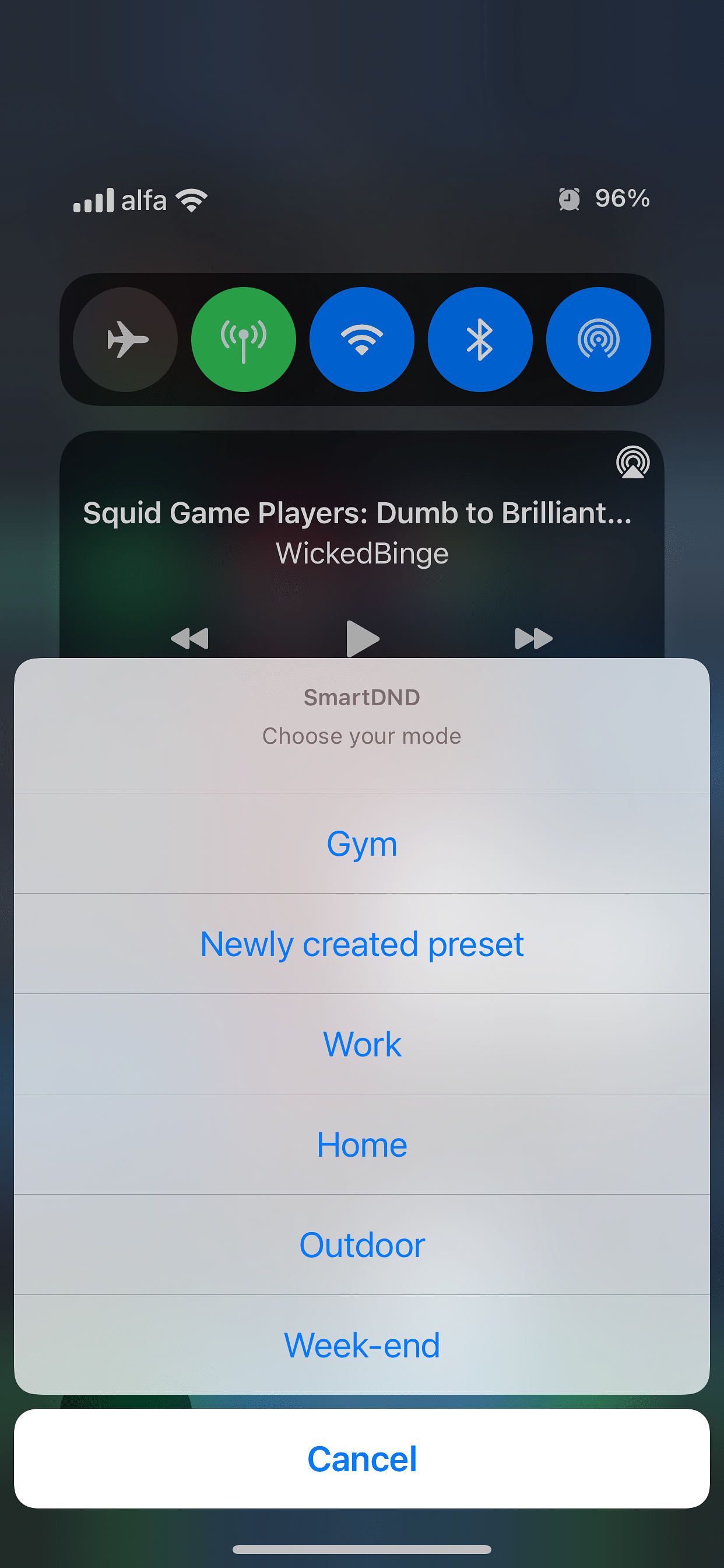
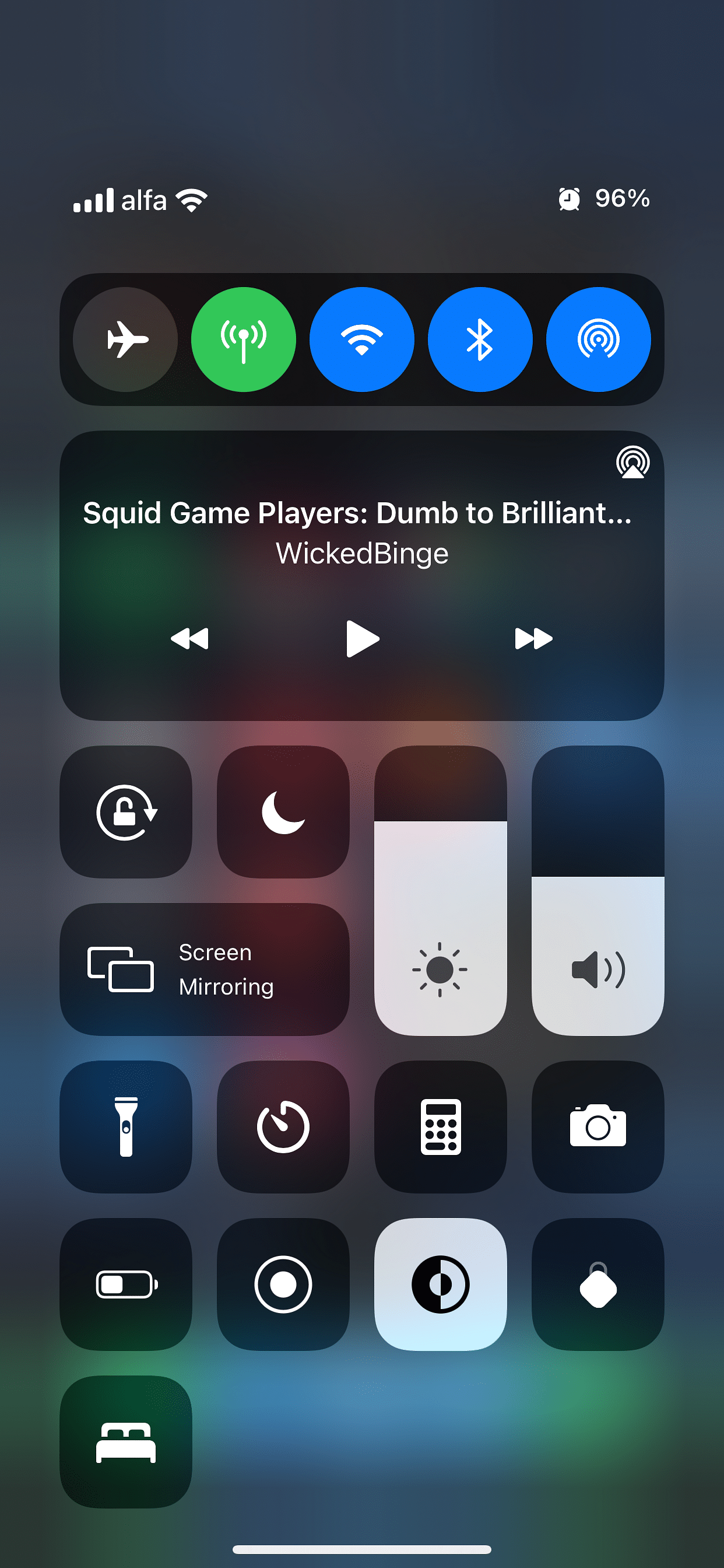
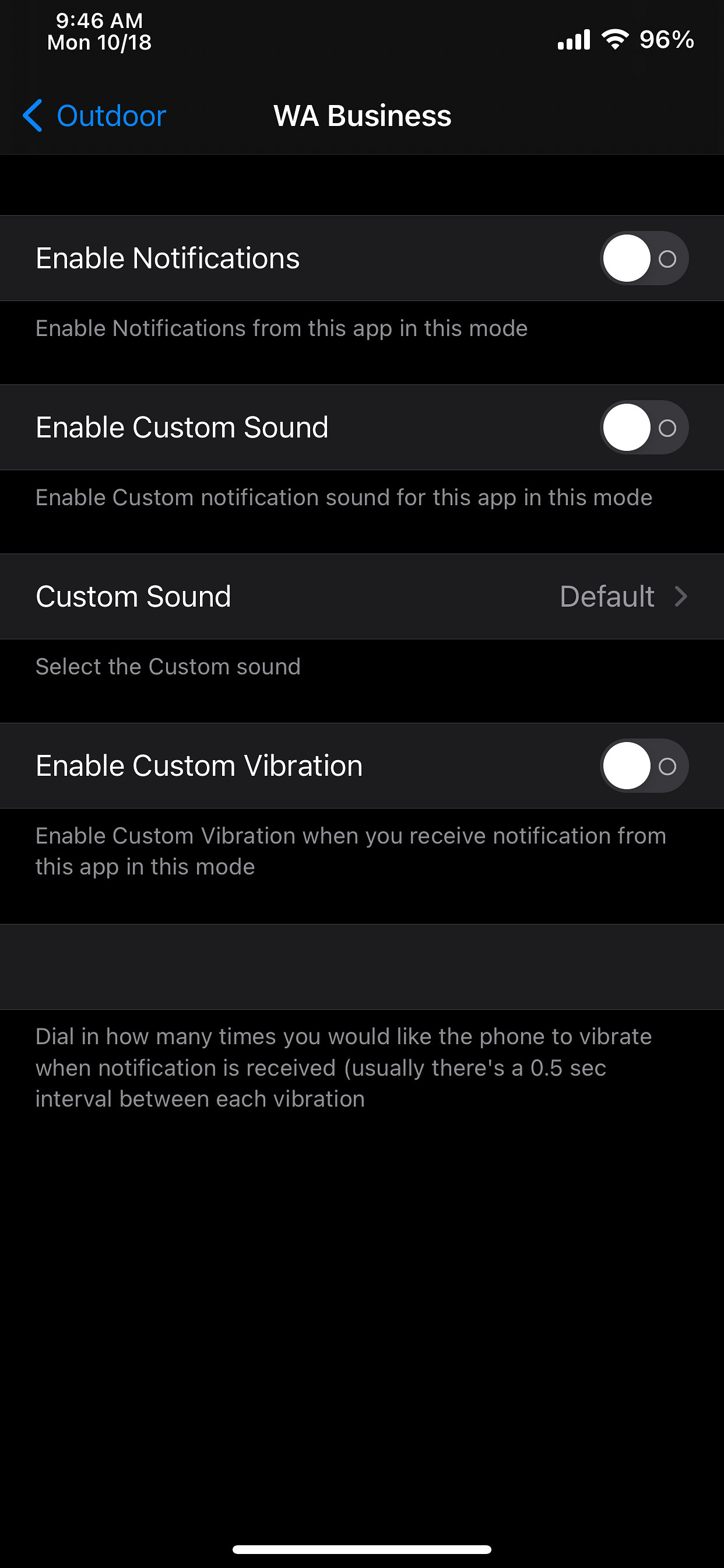
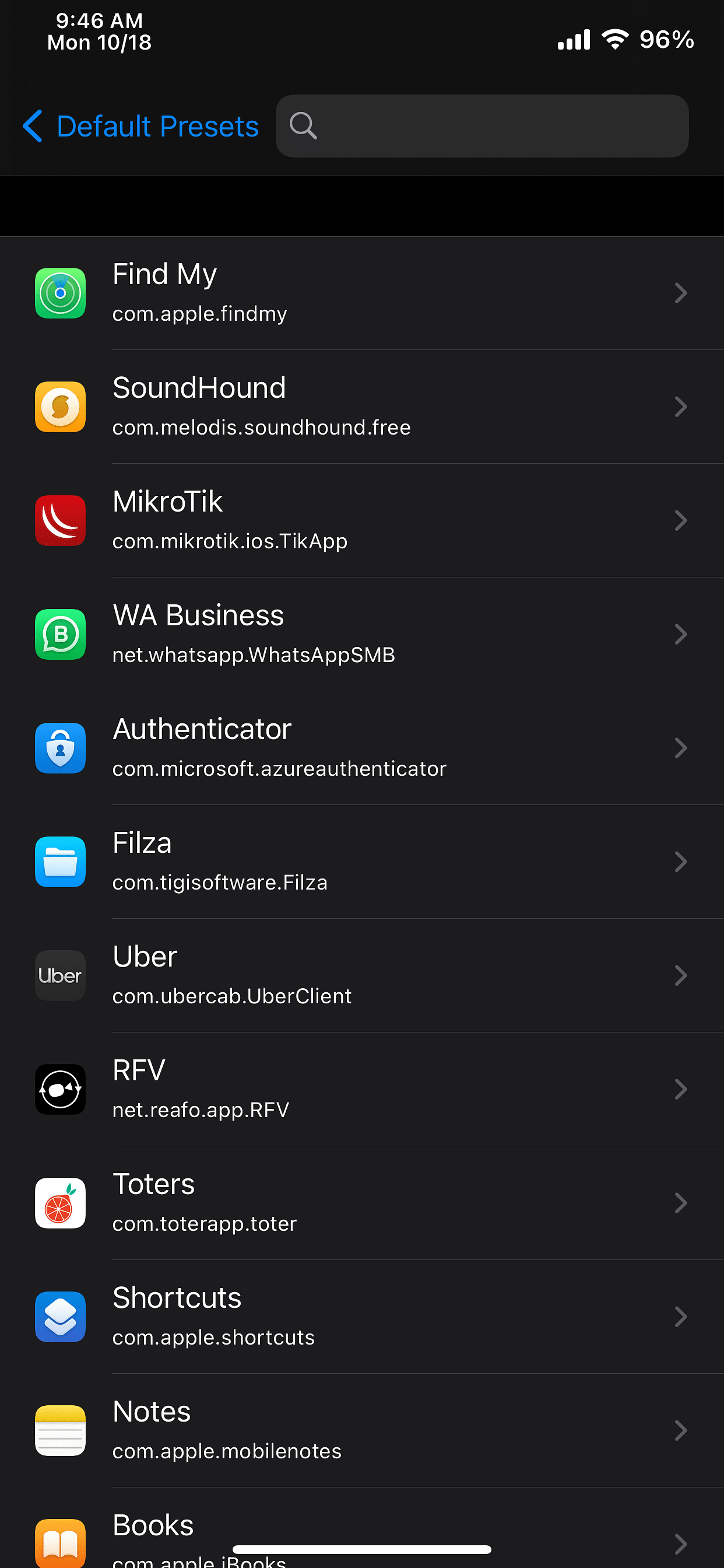
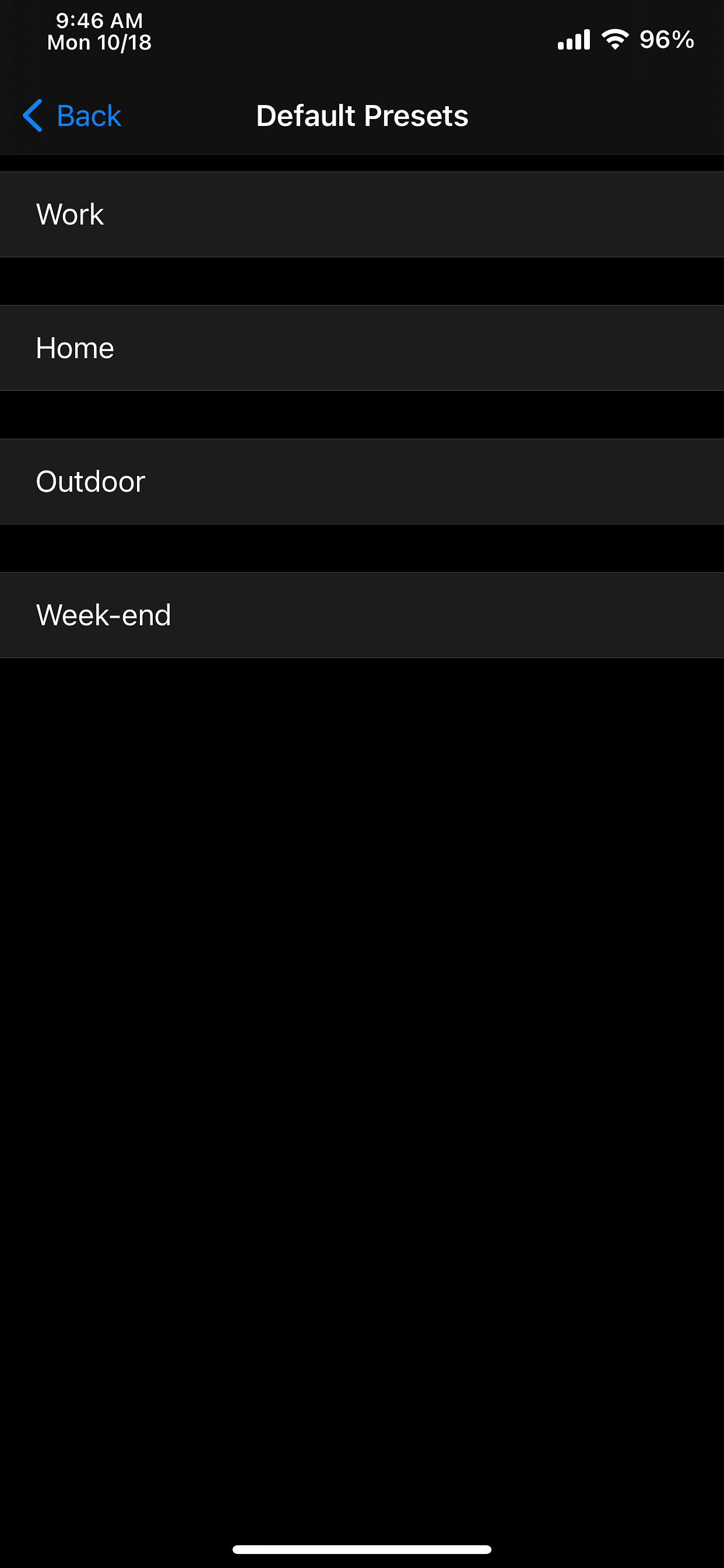
SmartDND expands focus-style notifications control with four default presets—Work, Home, Outdoor, and Week-end—plus the ability to add custom presets. For each preset, you can configure every installed app: enable or disable notifications, set a custom sound, and adjust a custom vibration pattern. Global options include disabling SmartDND, enabling a missed-notification summary, and blocking incoming calls, with a Control Center icon to switch presets and review summaries.
SmartDND: تخصيص وضع التركيز المستوحى من iOS 15 مع أربع إعدادات افتراضية
يقدّم SmartDND نسخة مخصصة من وضع التركيز المستوحى من iOS 15، مع أربع إعدادات افتراضية هي العمل والمنزل والخارج ونهاية الأسبوع. لكل إعداد قائمة بالتطبيقات لتخصيصها: تمكين الإشعارات، وتفعيل صوت مخصص، وتفعيل اهتزاز مخصص. هناك إعدادات عامة: تعطيل SmartDND، وتلقي ملخص الإشعارات الفائتة، وحجب المكالمات عند وجود أي إعداد. تتوفر أيقونة في مركز التحكم لتفعيل الإعداد المختار وتلقي الملخص، وهذه الميزة في طور التجربة. جلبريك روتفل فقط
الصور
روابط التحميل
كيف يتم تثبيت SmartDND (Rootful)؟
1. قم بتنزيل ملف ZIP.
2. افتح التطبيق وانقر على "تثبيت".
3. اتبع الخطوات التي تظهر على الشاشة.