
Snapper 2 (Rootful + Rootless)
jontelang
February 10, 2022
May 22, 2023
572.53 KB
2.7.0
iOS 12.1+ (Rootful + Rootless)
https://havoc.app
وصف
Snapper 2
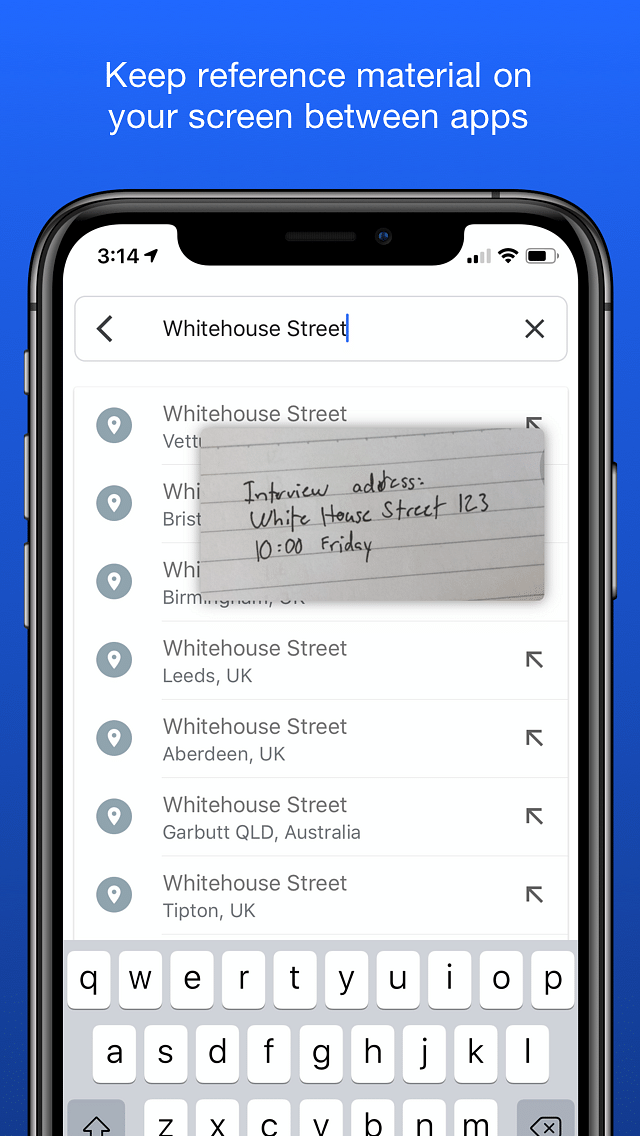
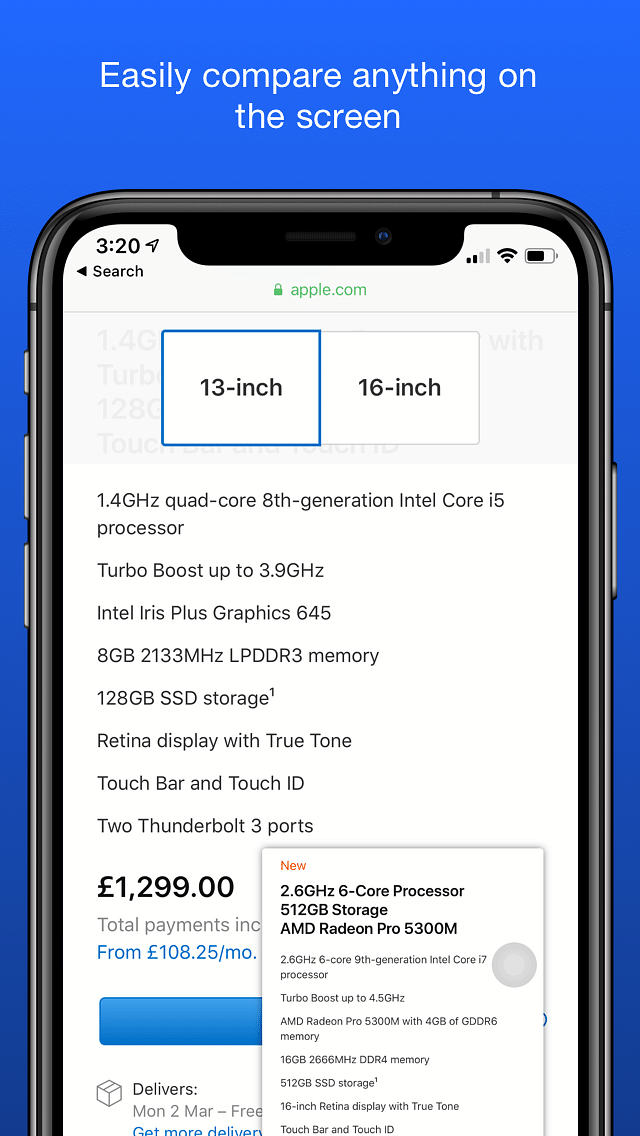
Pin screenshots on the screen.
Information
| Mode | Rootful + Rootless |
| Architectures | arm + arm64 |
| Section | Tweaks |
| Author | jontelang <jontelang@gmail.com> |
Available versions for Snapper 2 tweak
- Snapper 2 V 2.7.0.
- SHA256: b3006ded81069e690ad5fce45b1da1dde62cab613786b69131709be9bb12249a
- MD5: d57560b4bcd1ee176790b50658a914a3
- Architecture: iOS arm64 (Rootless).
- Snapper 2 V 2.7.0.
- SHA256: 7dfb98bff32386e33d6d83e37d80a3522d5ee3bdf6e90dbb2c9a3bffafb5f29f
- MD5: e76d43efd198f36946dcb70d57185b2d
- Architecture: iOS arm (Rootful).
- Snapper 2 V 2.6.1.
- SHA256: ffcc7d0fe77fe9a417cb3209cc583bf073a8d5cd0aef6b7b64be38293e59fab0
- MD5: ad4cc5e63826271655bb4773036cb694
- Architecture: iOS arm64 (Rootless).
- Snapper 2 V 2.6.0.
- SHA256: 261cade23727c609af86f55dd4f94254febcf982de55da8605c458feac0c5e4d
- MD5: 302fa7551daf79ae64cf98e61bf68d84
- Architecture: iOS arm64 (Rootless).
- Snapper 2 V 2.5.12.
- SHA256: e6cc49db98cf749b75cf2f8a759bfb80a7601dd62351d993ce8a4e8bbd5cc807
- MD5: 28f274fe9e0b36abeabc1ce2bd95bf5f
- Architecture: iOS arm (Rootful).
Snapper 2: Floating Screen Cropper That Keeps Snaps On Screen
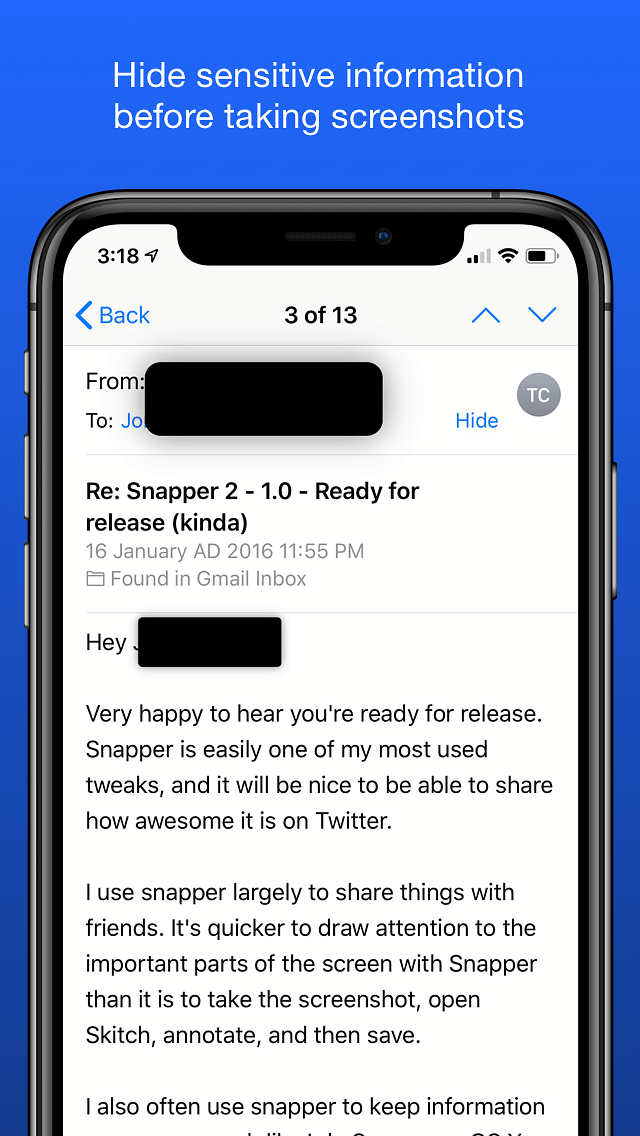
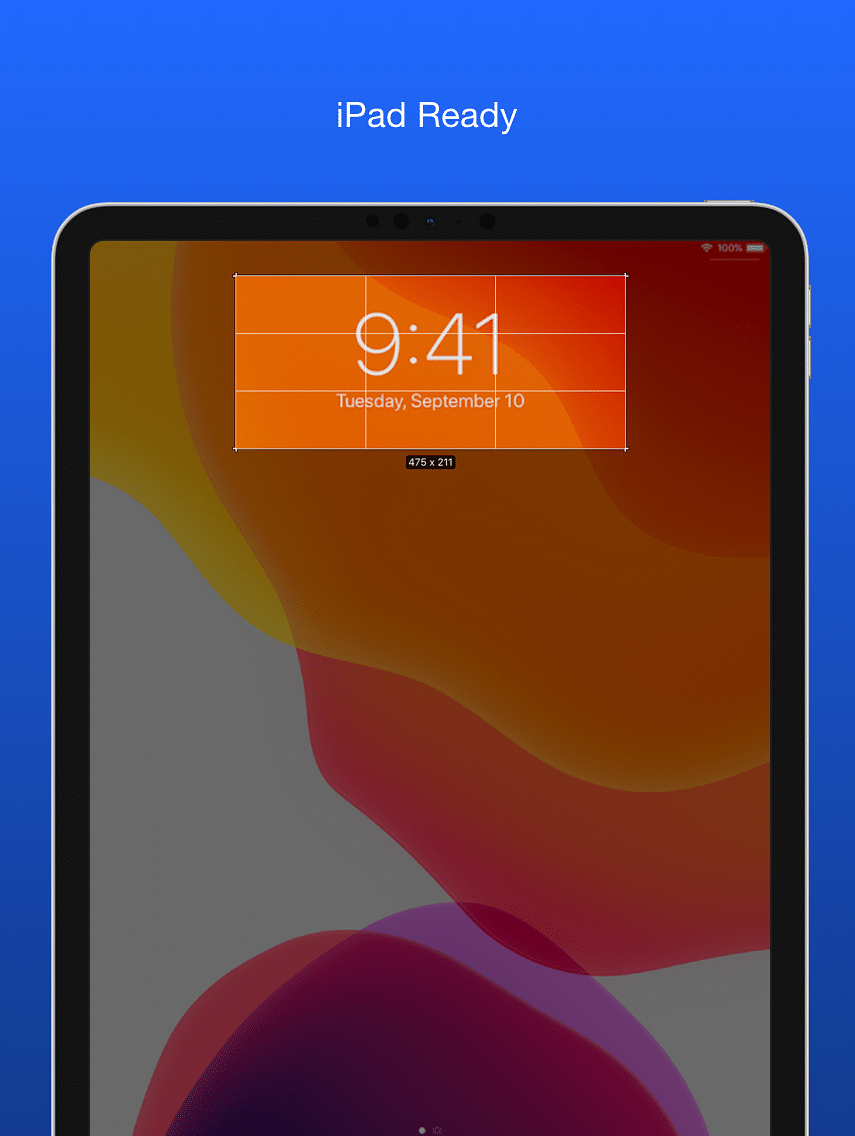
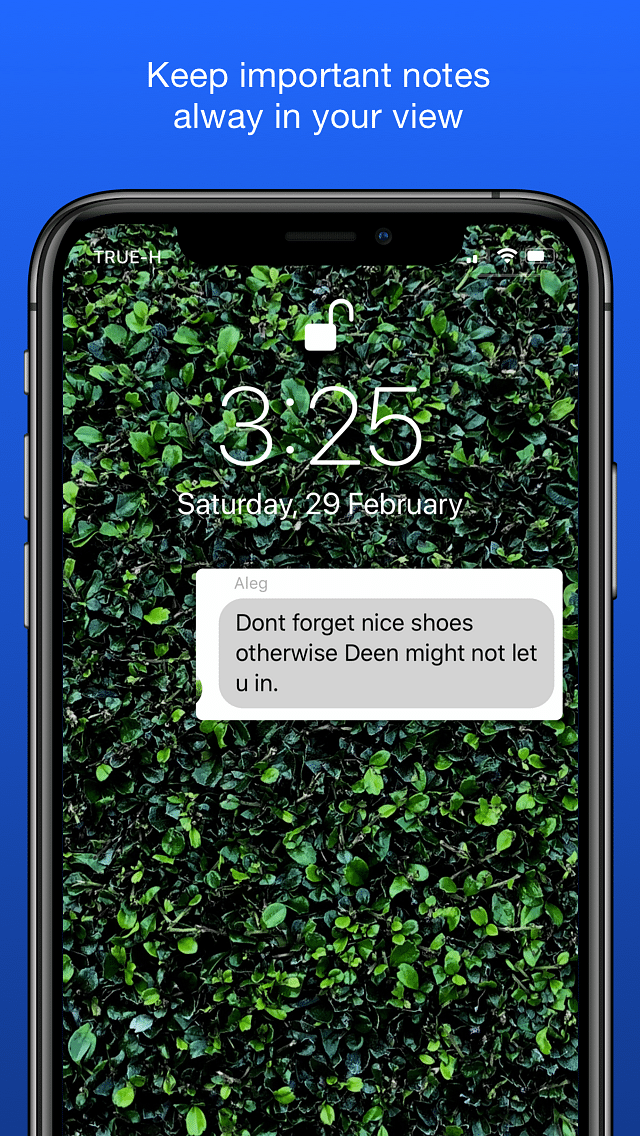
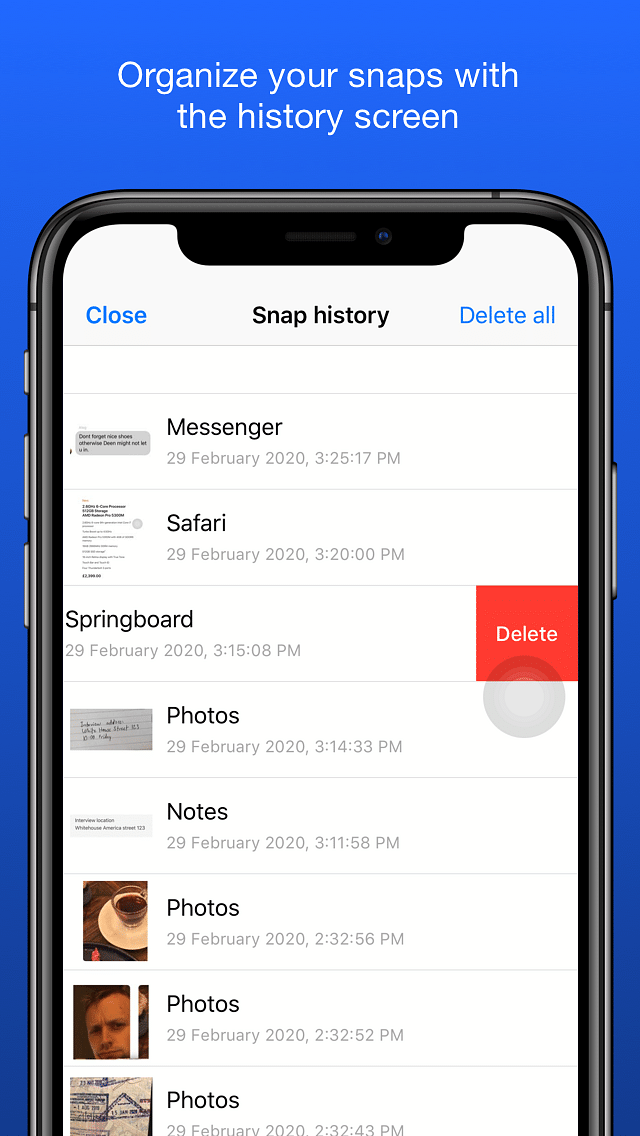
Snapper 2 lets you crop a portion of the screen and keep it floating, with adjustable crop area before snapping. Snapper supports multiple simultaneous snaps, save to camera roll instantly, and a built-in sharing flow. It also offers text extraction from images to clipboard, QR code scanning, and on-demand translation of text and images from Translomatic and Tranzlo directly within the tweak. The history panel stores snaps for quick access.
Snapper 2: قص جزء من الشاشة وابقائه عائماً كنافذة عائمة
Snapper 2 أداة تتيح قص جزء من الشاشة وابقائه عائماً كنافذة عائمة على الشاشة. تحكم بدقة في منطقة القص قبل الالتقاط، واستفد من أنماط متعددة لالتقاط اللقطة وفق احتياجك. قابل للتخصيص، ويمكنك استخدامه مع Activator أو بدونه. لن تفقد اللقطات بفضل لوحة التاريخ (يمكن الوصول إليها عبر Activator أو تطبيق الإعدادات)، وتُرتب لقطاتك حسب التطبيق، وتتيح مشاركة مدمجة، وتسمح بالنسخ إلى الحافظة تلقائياً. يدعم جلبريك روتلس وروتفل
الصور
روابط التحميل
كيف يتم تثبيت Snapper 2 (Rootful + Rootless)؟
1. قم بتنزيل ملف ZIP.
2. افتح التطبيق وانقر على "تثبيت".
3. اتبع الخطوات التي تظهر على الشاشة.